"Can you resend that file?" "What's the status of my request?" "Where do I upload the documents?" "Did you get my payment?"
If your team answers these questions every day by email, Viber and Messenger, a client portal can save hours each week and make your business look more organized at the same time.
I'm Aldrian, an independent developer in the Philippines. I build secure, branded client portals for accounting and law firms, agencies, consultants, contractors, logistics companies, schools and other service businesses.
What a client portal does
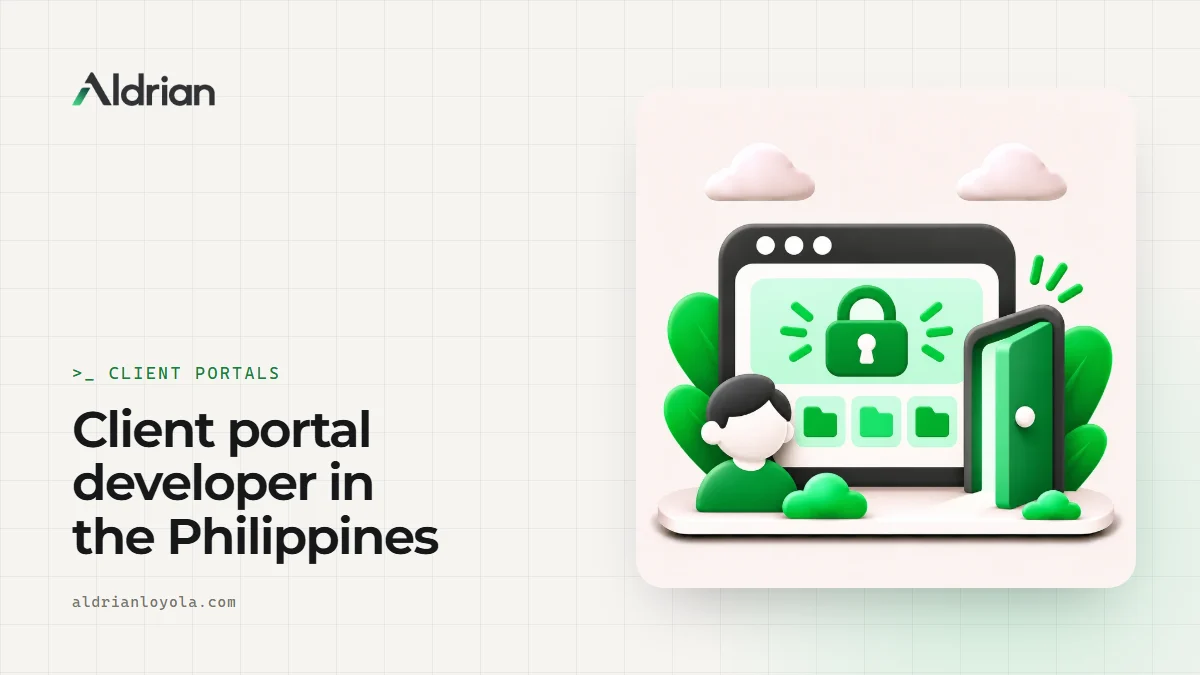
A client portal is a private, secure area of your website where each client logs in and sees only their own information. Depending on your business, it can include:
Project or case status
Clear stages showing where each job, case, application or order stands, updated by your team in one click.
Document sharing
Clients upload documents you need, and download reports, contracts and deliverables you've prepared, all in one organized place instead of scattered email attachments.
Requests and tickets
Clients submit requests, questions or issues through a form, and track their progress. More on ticketing systems.
Invoices and payments
View invoices, payment history and statements, with online payment through cards, GCash or Maya where your payment provider supports them.
Messages and updates
A message thread per project or case, so conversations don't get lost between email and chat.
Approvals
Clients approve designs, quotes or documents with a click, and you have a record of when.
Reports and dashboards
Clients see their own reports, metrics or deliverables, updated automatically.
Who uses client portals
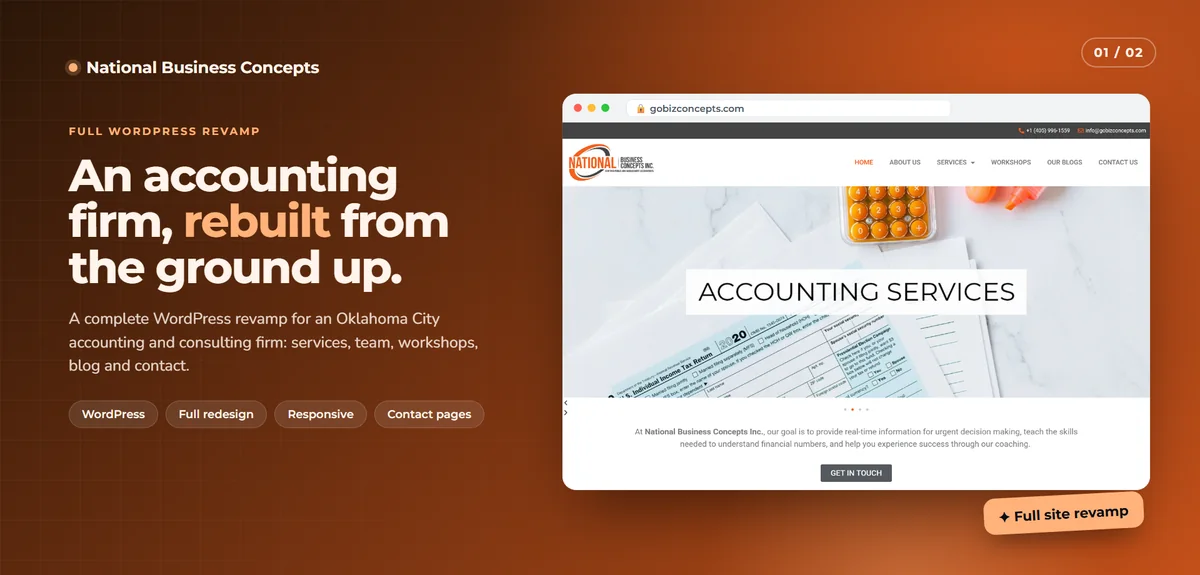
- Accounting and bookkeeping firms: document collection, deadlines and reports. See accounting firm websites.
- Law firms: case updates and secure document exchange
- Agencies and consultants: project status, approvals and deliverables
- Contractors and engineers: project progress photos, documents and billing
- Logistics companies: shipment tracking, bookings and proof of delivery
- Recruitment agencies: employer shortlists and applicant status
- Schools and training centers: student records, schedules and statements
Security first
Client portals hold sensitive information, so security isn't optional:
- Secure sign-in with strong password rules, and optional two-factor login
- Every request checked on the server so clients only see their own data
- Files stored privately, with time-limited download links
- Encryption in transit everywhere
- Activity logs for sensitive actions
- Regular backups
Privacy matters to me. My Ghostly project encrypts messages in the browser so the server never sees what people say. Not every portal needs that level, but every portal I build treats client data with care. For businesses in the Philippines, I also build with the Data Privacy Act in mind and recommend you confirm policies with your own advisor.
Your team's side
Behind the portal, your team gets an admin view to:
- Add clients and invite them by email
- Update statuses and post updates
- Request documents and see what's missing
- Upload deliverables and invoices
- See all requests in one queue
- Run reports
Branded and easy to use
The portal carries your logo, colors and domain, so it feels like part of your business. It's designed for clients who aren't technical: clear navigation, plain language, large buttons and a layout that works on phones.
Integrations
Portals can connect to tools you already use: accounting software, payment gateways, CRMs, cloud storage, email services and calendars. More on API integration.
Common mistakes with client portals
Too many features at launch. Start with the two or three things clients ask about most.
Complicated sign-in. If clients can't log in easily, they'll go back to email. Magic links or passkeys can help.
No reason to log in. If updates still arrive by email, clients won't use the portal. Send notifications that link back to it.
Weak access checks. A portal that shows the wrong client's data even once destroys trust. Server-side checks on every request are essential.
Forgetting your team. If updating the portal is extra work, staff won't do it. The admin side must be quick.
What clients notice
Clients rarely praise a portal directly. What they notice is that working with you feels easier. They find documents without asking, they know where their project stands and they get answers without waiting. Over time, that ease becomes part of why they stay and why they recommend you.
Rolling it out to clients
Clients need a reason and a little help to switch from email. I usually recommend inviting a few friendly clients first, collecting their feedback and then rolling out to everyone with a short welcome email and a one-page guide. From then on, every update notification links back to the portal, so it quickly becomes the natural place to check.
What it usually costs
It depends on the features and integrations. A focused portal with status updates and document sharing is a sensible first version. Payments, messaging and integrations can be added in stages. You'll get a fixed quote after we talk.
How we'd work
- We talk about your clients and the questions they ask most.
- I propose a focused first version.
- You get a quote with timeline and fixed price.
- I build with preview links.
- We test with a few real clients.
- We launch, and I help you roll it out to everyone.
Let's make working with you easier
Tell me about your clients and your process. I'll reply with a plan and a fixed quote.