Customer requests and complaints arrive everywhere: email, Messenger, Viber, phone calls, walk-ins and comments on social media. Someone forwards a screenshot. Someone else says they'll handle it. A week later, the customer asks again, angrier this time, and nobody's sure who was supposed to reply.
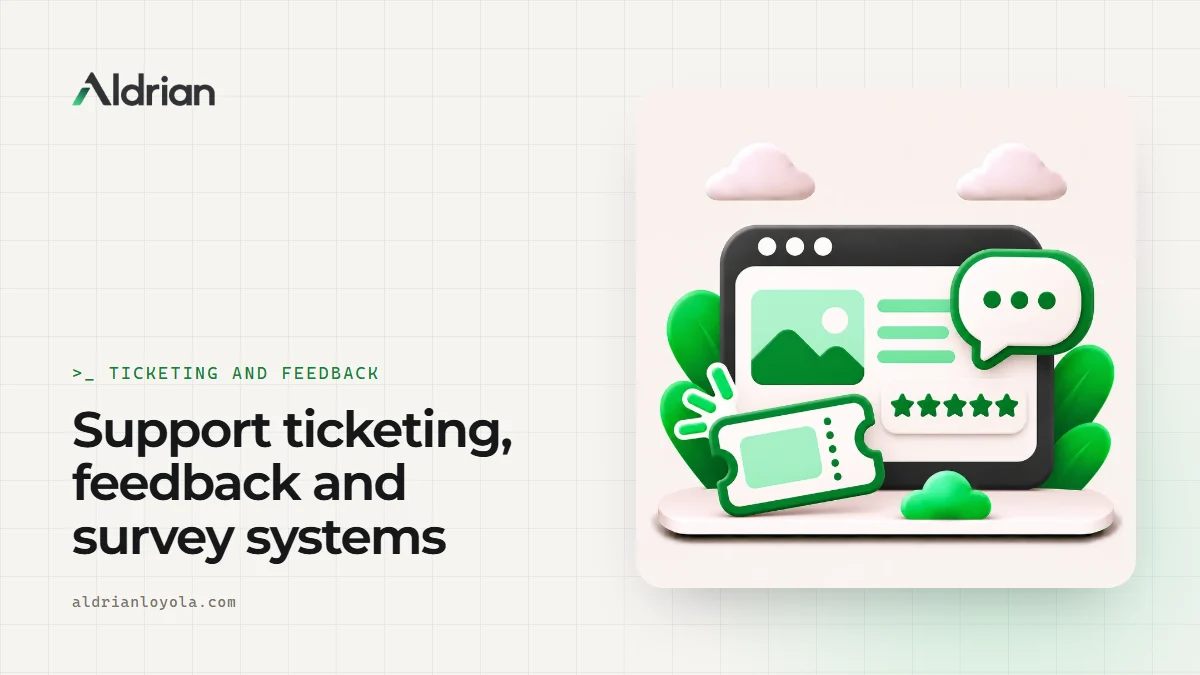
A ticketing system gives every request a number, an owner and a status, so nothing falls through the cracks. Feedback and survey tools then show you what's working and what isn't.
I'm Aldrian, an independent developer. I build custom ticketing, request tracking, feedback and survey systems, and I integrate existing helpdesk tools when they fit better.
What I can build
Support ticketing
Customers submit requests through a form, email or portal. Each becomes a ticket with a reference number, category, priority, owner and status. Your team works from one queue instead of five apps.
Service and maintenance requests
For property managers, HOAs, schools, IT teams and facilities: residents or staff report issues with photos and locations, and the right team gets assigned automatically.
Complaint management
Structured complaint intake, investigation notes, resolution tracking and response deadlines. Useful for businesses with service standards or regulatory obligations.
Feedback forms
Short feedback after a purchase, appointment or support case, with ratings and comments that feed a dashboard.
Surveys
Customer satisfaction, employee feedback, event evaluations and market research, with logic that shows relevant questions and reports that summarize results.
Internal requests
IT help requests, purchase requests and approvals between departments.
Features that make ticketing work
Smart intake
Forms that ask the right questions for each category, accept photos and files and set priority automatically.
Assignment and routing
Tickets routed by category, location or workload. Managers can reassign with a click.
Clear statuses
New, in progress, waiting on customer, resolved and closed. Customers can check status without calling. More on client portals.
Notifications
Customers get confirmations and updates by email or SMS. Staff get alerts for new and overdue tickets. See automated notifications.
Response targets
Track how quickly tickets are answered and resolved, and highlight anything at risk of going overdue.
Internal notes
Private notes for your team, separate from replies to the customer.
Canned replies
Saved answers for common questions, so replies are fast and consistent.
Reports
Ticket volume, categories, response times, resolution times and satisfaction scores, so you can spot problems and improve.
Surveys that people actually finish
Long surveys get abandoned. I design surveys that are short, mobile friendly and clear, with progress indicators and only relevant questions. Results go into a dashboard with charts and exports, so you can act on them instead of letting them sit in a spreadsheet.
Security and privacy
Tickets and feedback often contain personal details. I build with secure sign-in, role-based access, private file storage and backups. Anonymous feedback options can be included where honesty matters more than identity. Privacy is something I take seriously in everything I build, from my Ghostly encrypted chat app to client systems.
Off-the-shelf or custom?
Helpdesk tools are excellent for many teams. A custom system makes sense when:
- Your requests need fields and workflows the tools don't support
- You need tickets tied to your own customer, property or asset records
- Per-agent fees are getting expensive
- You want it inside your existing portal or admin panel
- You need it branded and simple for non-technical customers
If an existing tool fits, I'll recommend it and integrate it with your website.
Common mistakes with support systems
Too many categories. Customers pick the wrong one. Keep it simple.
No owner. Every ticket needs one person responsible.
No customer updates. Silence makes people call. Automatic updates prevent that.
Ignoring the data. Recurring problems show up clearly in reports, if someone looks.
Long feedback forms. Two or three questions get far more answers than twenty.
Turning feedback into action
Collecting feedback is easy. Acting on it is the hard part. A good system closes the loop:
- Low ratings automatically create a follow-up task for a manager
- Common complaint categories are highlighted in a weekly summary
- Customers who left feedback hear back about what changed
- Trends over months show whether fixes actually worked
When customers see that their feedback leads somewhere, they keep giving it. And your team gets a clear, shared picture of what to improve next, instead of opinions and anecdotes.
Rolling it out
Even a great system needs a smooth start. I help you announce the new request form or portal, set up auto-replies that point people to it and train your team with a short walkthrough. Within a few weeks, most requests flow through the system on their own.
What it usually costs
A focused ticketing system with intake, assignment, statuses and notifications is a sensible first version. Surveys, portals, response targets and advanced reports can be added. You'll get a fixed quote after we talk.
How we'd work
- We talk about how requests come in and how your team handles them.
- I map the workflow and propose a first version.
- You get a quote with timeline and fixed price.
- I build with preview links.
- We test with real requests and your team.
- We launch, and I help you roll it out.
Let's organize your requests
Tell me how requests and feedback reach you today. I'll reply with a plan and a fixed quote.