Most growing businesses run on a patchwork: a shared spreadsheet for orders, another for inventory, a group chat for approvals, an email thread for client updates and someone who knows where everything is. It works until that person is on leave, a formula breaks or two people edit the same row.
A custom admin panel brings it all into one place, built around your workflow instead of forcing your team into someone else's.
I'm Aldrian, an independent developer. I build admin panels, back-office systems and dashboards for businesses that have outgrown spreadsheets.
I build admin tools for myself too
My own website runs on a custom admin I built: content management for pages, case studies, articles and resources, a simple CRM for client relationships with notes and follow-ups, inquiry tracking and settings, all with secure sign-in on a modern serverless stack. I use it every day, so I know what makes an admin panel pleasant or painful to work with.
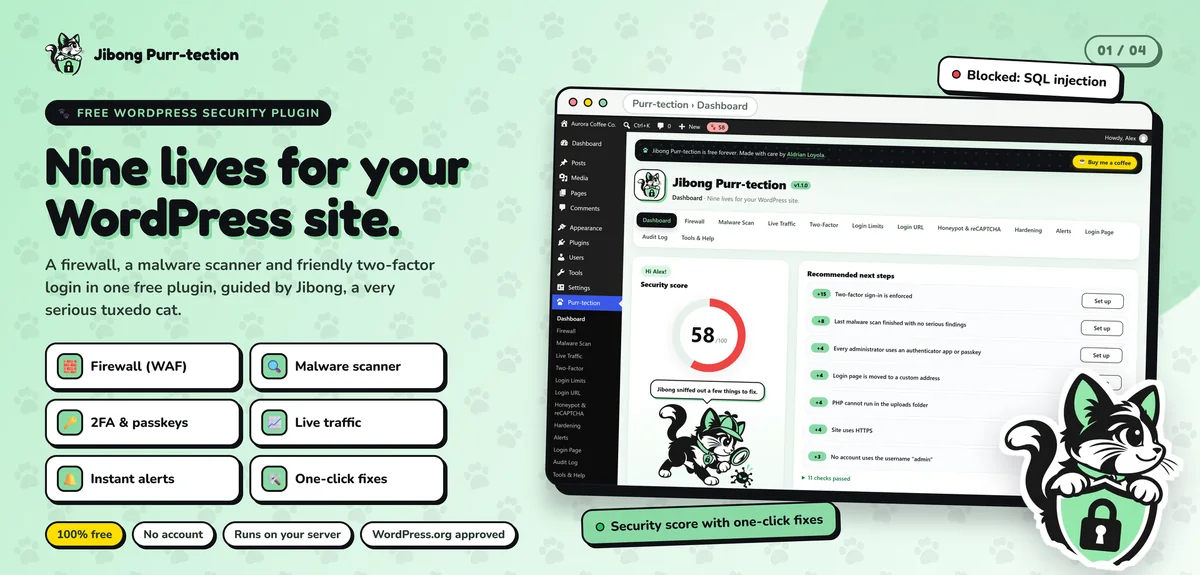
My Jibong Purr-tection plugin also includes a full admin dashboard inside WordPress: a security score with one-click fixes, an audit log, live traffic and alerts.
What an admin panel can do
Manage records
Customers, orders, jobs, products, bookings, applications, assets. Searchable, filterable lists with detail pages and edit forms that validate data properly.
Run workflows
Approvals, status changes, assignments and handoffs. Each record moves through clear stages, and everyone sees where things stand.
Show dashboards
Key numbers at a glance: today's orders, pending approvals, overdue tasks, revenue this month, stock running low. Charts where they help, simple numbers where they don't.
Generate reports
Filtered reports and exports to CSV or Excel, so you can still use spreadsheets for analysis without using them as the system of record.
Control access
Roles and permissions so each person sees and changes only what they should. Audit logs that show who changed what and when.
Send notifications
Email or chat alerts when something needs attention, like a new request, a status change or a deadline.
Connect to other tools
Payment gateways, accounting software, email marketing, couriers or your website. More on API integration.
Designed for daily use
Admin panels are used for hours every day, so small details matter:
- Fast search and filters
- Keyboard-friendly forms
- Clear status labels and colors
- Bulk actions for repetitive work
- Sensible defaults that save typing
- Works on phones for staff in the field
- No clutter: only what each role needs
From spreadsheet to system
Moving off spreadsheets doesn't have to be disruptive:
- Map your current process. Who does what, with which sheet, and where things go wrong.
- Design the data model. Turn columns into proper fields and relationships.
- Import existing data. Clean and import your spreadsheets, with checks for duplicates and errors.
- Run in parallel briefly. Use both while your team gets comfortable.
- Switch over. The system becomes the single source of truth.
More on database integration.
Built on a modern stack
I usually build admin panels with TypeScript and React on serverless platforms like Cloudflare Workers, with SQL databases like D1, Postgres or Supabase. That means:
- Fast pages and quick searches
- Low hosting costs for small teams
- Secure sign-in with proper sessions
- Daily backups of your data
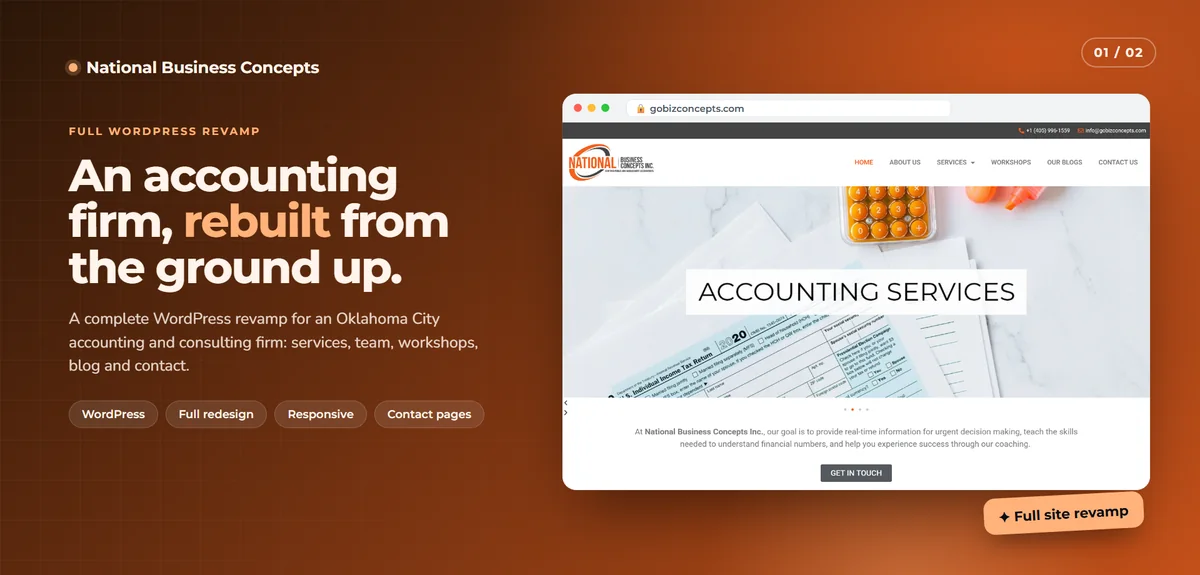
For businesses already on WordPress, I can build admin tools inside WordPress instead, as a custom plugin.
Common mistakes with internal tools
Copying the spreadsheet exactly. A system should fix the spreadsheet's problems, not recreate them.
Too many fields. Every required field slows your team down. Ask for what you use.
No roles. Giving everyone full access leads to accidental deletions and confusion.
No audit trail. When something changes, you need to know who did it.
Skipping training. A short walkthrough and guide make adoption much smoother.
Examples of what teams replace
- Order tracking spreadsheets become an orders board with statuses, assignments and customer notifications
- Inventory sheets become a stock system with low-stock alerts and movement history
- Job or project trackers become a pipeline with deadlines, owners and file attachments
- Approval email chains become a request form with a clear approval trail
- Monthly report spreadsheets become a live dashboard that updates itself
- Client lists become a simple CRM with notes and follow-ups
Each one saves time on its own. Together, they give your business one place where the truth lives.
Built to grow with you
A good first version solves the biggest problem. After that, the system can grow in small steps: a new report, a new workflow, an integration, a client-facing portal. Because it's built on clean, documented code, adding features later doesn't mean starting over.
What it usually costs
It depends on the number of record types, workflows, roles and integrations. Many teams start with one core workflow, like orders or job tracking, and add more later. You'll get a fixed quote for a clear first version.
How we'd work
- We talk about your process and pain points.
- I map the workflow and propose a first version.
- You get a quote with timeline and fixed price.
- I build with preview links, starting with the core flow.
- We import data and test with your team.
- We launch, and I train your team and support you after.
Let's replace the spreadsheet chaos
Tell me how your team works today. I'll reply with a plan and a fixed quote.