A membership website turns your knowledge, content or community into recurring income. Coaches sell programs, trainers sell courses, associations serve members, publishers sell premium content and communities charge for access.
But membership sites have more moving parts than a normal website: logins, payments that renew, content that's locked for some people and open for others, cancellations, failed cards and members who forget their password at the worst moment. When any of those break, members get frustrated and leave.
I'm Aldrian, an independent developer. I build membership sites and online course platforms that work reliably, on WordPress or custom code.
What I can build
Paid memberships
Monthly or yearly plans, free trials, multiple tiers and member-only content.
Online courses
Lessons organized into modules, video and downloads, progress tracking, quizzes and completion certificates.
Paid communities
Member directories, discussion areas, events and announcements.
Premium content
Articles, reports, templates or resources behind a paywall, with free previews to attract subscribers.
Association and organization memberships
Member records, dues, renewals and member-only resources. More on cooperative and association portals.
Coaching programs
Client areas with session booking, materials and progress tracking.
The parts that make a membership site work
Reliable recurring payments
Subscriptions through payment gateways like Stripe or PayPal internationally, or local gateways in the Philippines where they support recurring billing. That includes trials, upgrades and downgrades, failed payment retries, dunning emails and cancellations. More on payment gateway integration.
Access that always matches payment
When someone pays, access opens immediately. When a subscription ends, access closes cleanly. This depends on webhooks being handled correctly, which is where many membership sites fail.
Easy sign-in
Simple sign-up, password resets that work, and optionally magic links or passkeys so members don't fight with passwords.
A good member dashboard
Members see their plan, billing history, progress and next steps in one place, and can update their card or cancel without emailing you.
Protected content
Videos, files and pages protected so they can't be shared freely by copying links. Private file storage with time-limited links where it matters.
Emails that keep members engaged
Welcome sequences, course reminders, new content alerts, renewal notices and win-back emails. See automated notifications.
WordPress or custom?
WordPress with membership plugins
A good fit for content creators and organizations that want to publish easily. Established membership and LMS plugins handle a lot out of the box. I set them up properly, keep plugins to a minimum and customize where needed.
Custom membership platform
A better fit when you need a unique member experience, deep integrations, high performance or features the plugins can't handle cleanly. Built with TypeScript, React and modern serverless hosting. My Ghostly app shows the kind of fast, secure web app I build.
I'll recommend the approach that fits your audience, content and budget.
Security matters
Membership sites store personal data and handle payments. I build with:
- Secure authentication and session handling
- Server-side access checks for every protected page and file
- Payment details kept with the payment gateway, never on your server
- Two-factor login for admins
- Regular backups
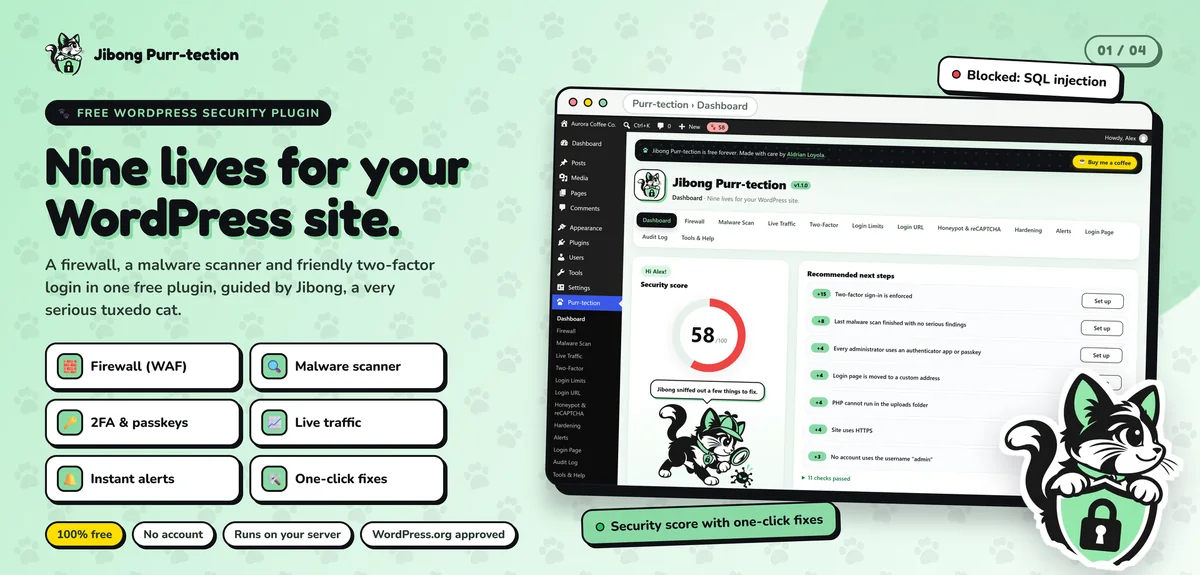
I also built Jibong Purr-tection, a WordPress security plugin with two-factor login and passkeys, so login security is something I take seriously.
Video hosting
Self-hosting video on your web server is usually a bad idea: it's slow and expensive. I integrate proper video hosting with privacy controls, so lessons play smoothly and can only be embedded on your site.
Common mistakes with membership sites
Access not synced with payments. Members who paid can't get in, or members who cancelled still can.
No self-service billing. Members email you to update their card, and many just leave.
Weak onboarding. New members don't know where to start, and they don't come back.
Unprotected files. Download links that anyone can share.
Too many plugins. Stacking membership, LMS, forum and payment plugins without care creates conflicts.
Planning your membership
Before building, it helps to decide:
- What members get, and what free visitors see
- Pricing tiers and billing periods
- How content will be released: all at once or over time
- How members will interact, if at all
- What happens when someone cancels
I'll help you think these through, so the site supports your business model instead of fighting it.
Reducing cancellations
Keeping members is cheaper than finding new ones. Useful features include reminders before renewals, easy plan downgrades instead of cancellations, a short exit survey and win-back offers for members who leave. The member dashboard should also show progress and new content, so people see the value they're getting each month.
What it usually costs
It depends on the platform, the number of tiers and features and the integrations. A focused first version with sign-up, payments, protected content and a member dashboard is a sensible start. You'll get a fixed quote after we talk.
How we'd work
- We talk about your audience, content and pricing.
- I recommend WordPress or custom, with reasons.
- You get a quote with timeline and fixed price.
- I build with preview links.
- We test sign-up, payments, access and emails end to end.
- We launch, and I support you as members arrive.
Let's build your membership
Tell me about your content or community. I'll reply with a plan and a fixed quote.