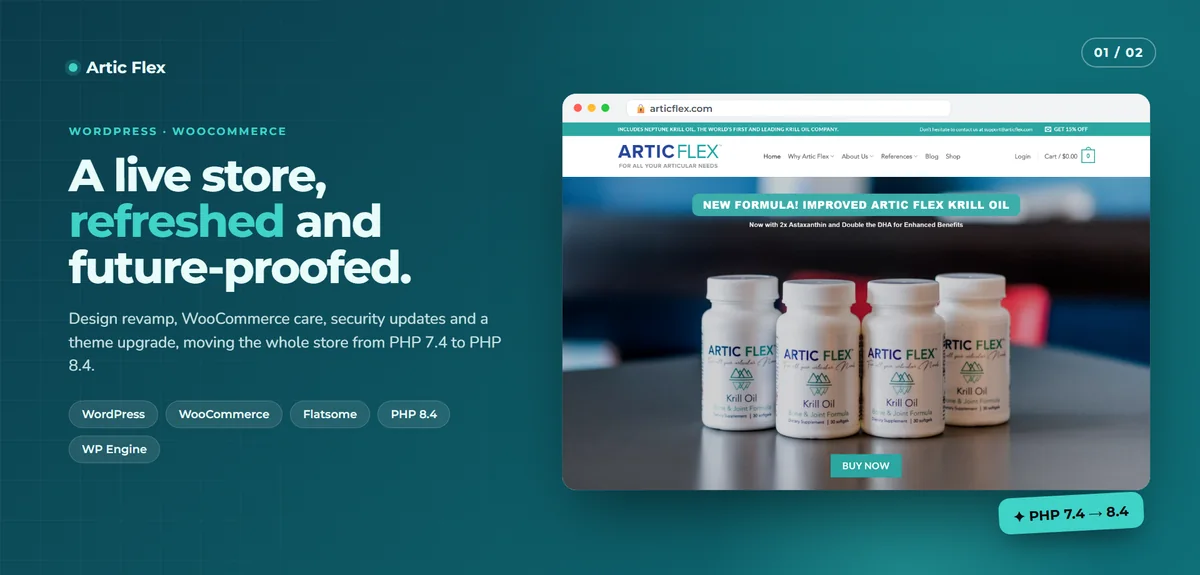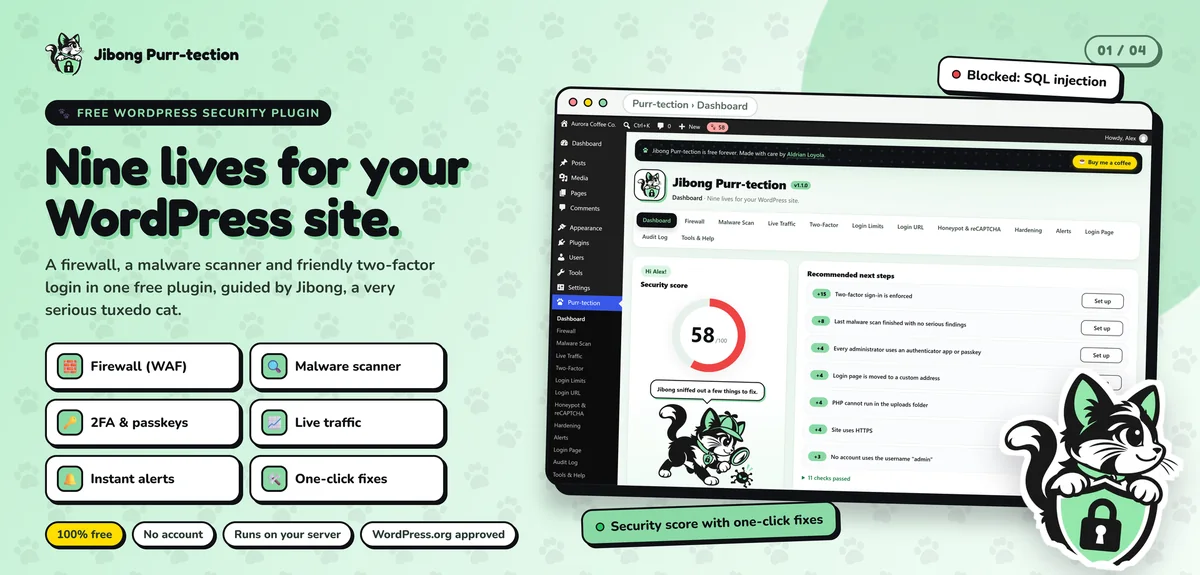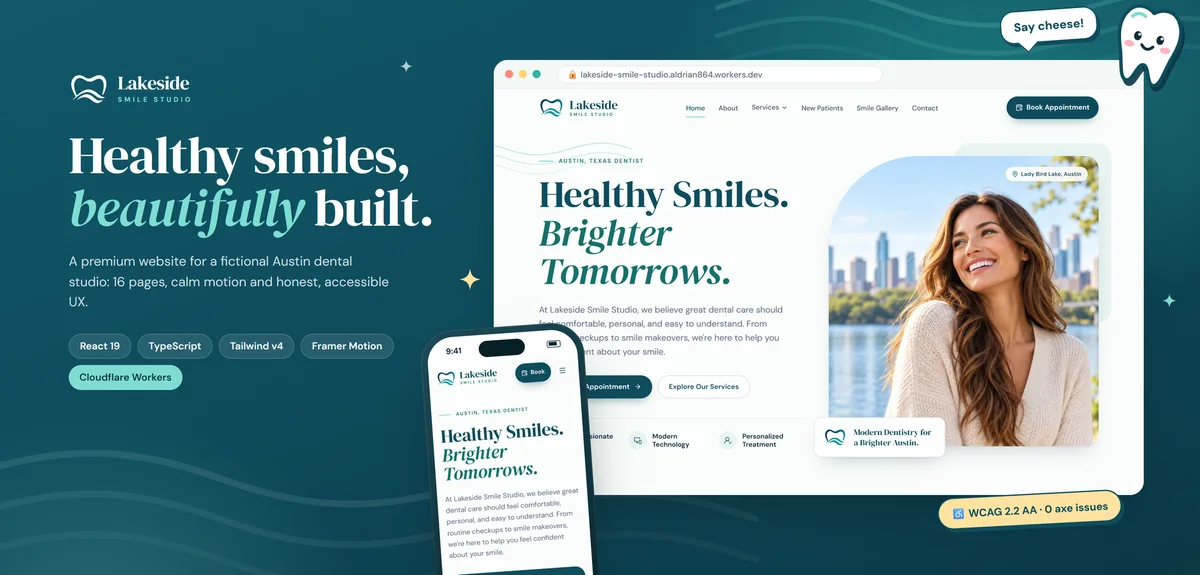
WordPress powers a huge share of the web, and for good reason. I work with it often: I maintain WooCommerce stores, I've upgraded a live store from PHP 7.4 to PHP 8.4 and I built Jibong Purr-tection, a free WordPress security plugin listed on WordPress.org.
So I'm not against WordPress. But when someone searches for a WordPress website under $100, I want them to know what they're likely getting, and what it will cost them later.
What a sub-$100 WordPress deal usually includes
- A purchased or free theme with your logo and colors changed
- Several plugins for forms, SEO, sliders, caching and security
- Content placed into the theme's demo layout
- Cheap shared hosting, sometimes on the seller's account
That can be fine to start. The problems show up later.
The costs that come after
Updates. WordPress core, themes and plugins update often. Skipping them leaves security holes. Doing them carelessly breaks layouts.
Licenses. Premium themes and plugins usually renew yearly.
Hosting. WordPress needs PHP and a database. Cheap hosting is often slow, and good hosting costs more.
Security. Outdated plugins are one of the most common ways small sites get hacked. I clean hacked sites regularly, and most could have been prevented. More on my hacked site repair page.
Speed. Themes and page builders load a lot of code you don't use, which hurts mobile performance.
The alternative: a $99 hand-coded site
For a small site with a few pages that rarely change, a hand-coded static website is usually cheaper to own:
- Up to 4 custom pages, hand-coded for your business
- Domain and hosting for the first year
- No plugins to update, no database to attack
- Fast loading, even on mobile data
- Contact form and basic SEO included
- Updates done for you at $10 per request
It's $99 a year, all-in. See exactly what's included on the $99 package page.
When WordPress is the right choice
Choose WordPress if:
- You publish blog posts or news often and want to do it yourself
- Several people need to edit the site
- You need features that existing plugins handle well
- You're planning a store with many products
In that case, invest in a proper WordPress build with a lean theme, only the plugins you need and a plan for updates. I explain the trade-offs in custom website vs WordPress cost, and I can quote a WordPress build separately.
Questions to ask before buying a cheap WordPress site
- Whose name is the domain and hosting registered in?
- Which themes and plugins are paid, and what do they cost each year?
- Who will update the site, and how often?
- Are backups included? Where are they stored?
- What happens if the site is hacked?
- Can I move to another developer easily?
If the answers are vague, the low price probably isn't the full price.
What a year of WordPress upkeep looks like
To make the hidden costs concrete, here's what responsible care of a small WordPress site involves over a year:
- Updating WordPress core, the theme and every plugin, often several times a month
- Checking the site after updates, because a plugin update can break a layout or a form
- Renewing premium theme and plugin licenses
- Keeping PHP up to date with your host, and fixing anything that isn't compatible
- Running backups and checking that they can be restored
- Watching for security issues and malware
You can do it yourself, pay someone to do it or skip it and hope. Many cheap WordPress sites end up in the third group, which is how they get hacked or quietly break.
A hand-coded static site removes almost all of that. There are no plugins to patch and no database to clean. The upkeep is mostly the yearly domain and hosting renewal, plus content changes when you need them.
Speed matters for small businesses too
Small business owners sometimes assume speed only matters for big websites. It matters more for small ones. Your customers are often on phones and mobile data, and they'll leave a slow page and call the next business instead. Hand-coded pages load fast because they only include what the page needs. That's a real advantage over a heavy theme, and it costs nothing extra.
The honest bottom line
If you need a small site that mostly stays the same, the cheapest WordPress deal is rarely the cheapest site to own. If you need WordPress for real reasons, like daily publishing, pay a little more for a lean build and a plan for updates. Either way, ask what happens after launch before you pay anything.
How the $99 package works
- Send the request form on the $99 package page.
- I reply with a checklist and a start date.
- You send your content.
- I build your site and share a preview.
- You review with three revision rounds.
- We launch on your domain.
Already have a slow or broken WordPress site?
If your current WordPress site is small and mostly static, rebuilding it as a hand-coded site can cut your upkeep dramatically. If it needs to stay on WordPress, I can speed it up, secure it or maintain it. See convert WordPress to static and maintenance.