A lot of business websites run on WordPress even though they barely change. Ten or fifteen pages, a contact form and maybe a blog post every few months. Yet the site still needs plugin updates every week, security monitoring, backups, PHP upgrades and hosting that can run a database.
If that sounds like your site, a static website may be a better fit.
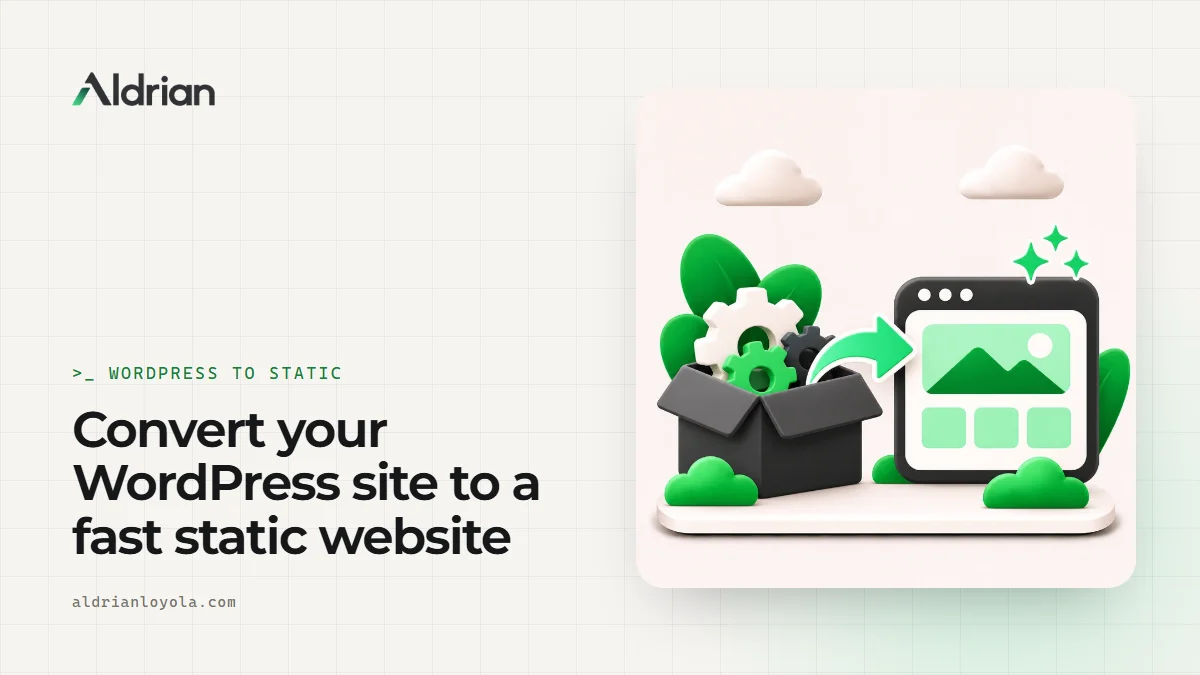
I'm Aldrian, an independent developer. I convert WordPress sites into fast, secure static websites, keeping your content, design and URLs, and removing most of the maintenance.
What a static website is
A static site is made of pre-built HTML, CSS and JavaScript files. When someone visits a page, the server sends a ready-made file instead of running PHP and querying a database. That makes static sites:
- Very fast, because there's no page building on every request
- More secure, because there's no admin login, database or plugins for attackers to target on the live site
- Cheap to host, often on modern platforms with global delivery networks
- Low maintenance, with no weekly plugin updates
Is a static site right for you?
Good fit
- Service businesses, consultants, clinics, firms and portfolios
- Sites that change a few times a month or less
- Sites that have been hacked or broken by updates before
- Owners tired of paying for maintenance they barely need
- Anyone who wants top speed and simple hosting
Not a good fit
- Sites with many daily editors
- Online stores with live inventory and checkout, unless we use a separate commerce platform
- Membership sites with logins on the main site
- Sites that rely heavily on specific WordPress plugins with no simple replacement
I'll tell you honestly which camp you're in.
What about forms, blogs and editing?
These are the usual worries, and they all have good answers.
Forms
Contact and quote forms work through a small serverless function or a trusted form service. Submissions arrive by email and can be stored safely. Spam protection is included.
Blog
Blog posts can be written in Markdown files, in a simple editor or in a headless CMS. The site rebuilds automatically when you publish. More on headless CMS setups.
Editing content
You have options:
- A simple visual editor for the pages you change often
- A headless CMS, which can even be WordPress itself, running privately behind the scenes
- Sending edits to me, which many busy owners prefer
Search, comments and other features
Site search, comments, booking widgets and newsletter sign-ups can all be added with lightweight services or small functions.
The conversion process
1. Inventory
I list every page, post, image, form, plugin feature and URL, plus your current SEO settings and analytics.
2. Choose the approach
- Clean rebuild: I rebuild the design as clean, lightweight code. Best results.
- Faithful conversion: I recreate the current design closely, cleaning up the code as I go.
3. Build
Templates and components are built once and reused, so the site is consistent and easy to extend.
4. Move content
Pages, posts and media are migrated. Images are optimized for speed along the way.
5. Keep SEO intact
Same URLs wherever possible, redirects where not, plus titles, descriptions, structured data, sitemap and robots settings carried over. More on migrations without losing SEO.
6. Test and launch
Every page compared, forms tested, speed measured. Then the domain is pointed to the new hosting with minimal downtime.
Hosting a static site
Static sites can be hosted on modern platforms with global delivery networks. Many offer generous free or low-cost tiers for small business sites. I host my own website on Cloudflare and use similar setups for clients. You'll own the hosting account.
A real example of a hand-coded site
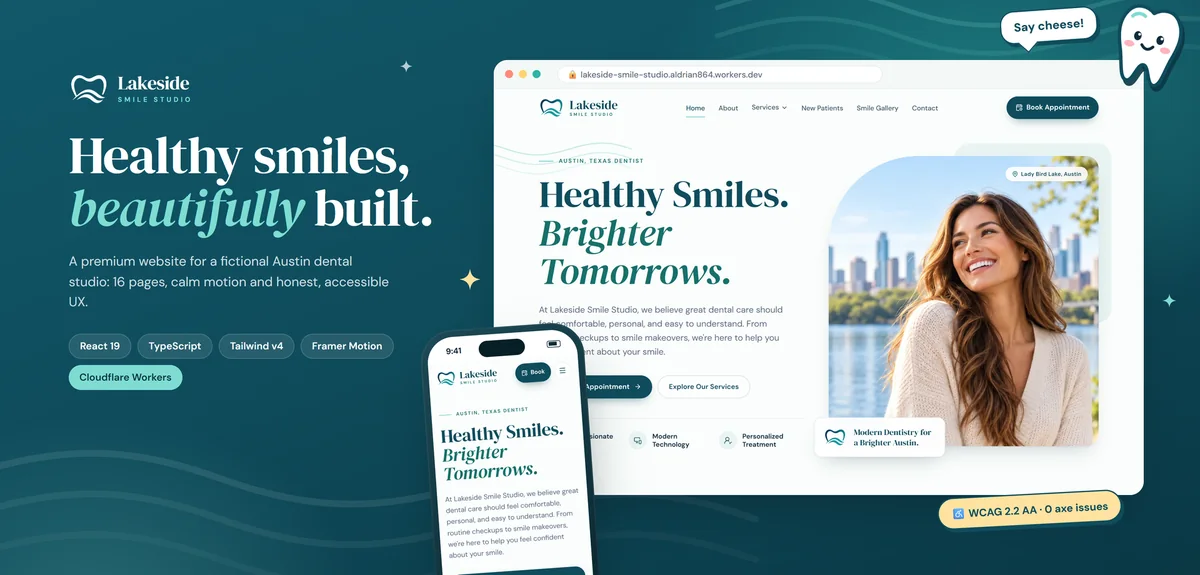
The Lakeside Smile Studio demo in my portfolio is a hand-coded small business website built for speed and accessibility. Every route is prerendered to its own HTML file with a unique title, description, canonical and social tags, plus a generated sitemap, and the site is served as static assets on Cloudflare Workers. That's the kind of setup a WordPress conversion can move to.
Common mistakes in static conversions
Using a crawler export and calling it done. Exporting WordPress pages as HTML keeps all the bloat and breaks forms. A proper conversion cleans things up.
Forgetting redirects. Old URLs must keep working.
No plan for editing. If nobody can update the site, it goes stale.
Dropping analytics or consent. Tracking and consent banners need to be set up again and tested.
What it usually costs
It depends mostly on how many unique page templates your site has and whether you want a fresh design or a faithful conversion. You'll get a fixed quote after I've reviewed your site. My guide to custom website vs WordPress cost explains the long-term savings.
How we'd work
- Send me your site and tell me how you update it today.
- I review and tell you whether static is a good fit.
- You get a quote with scope, timeline and fixed price.
- I build and share a preview.
- We test everything side by side.
- We launch, and I show you how to make edits.
Let's simplify your website
Send me your website address. I'll reply with an honest recommendation and a fixed quote.