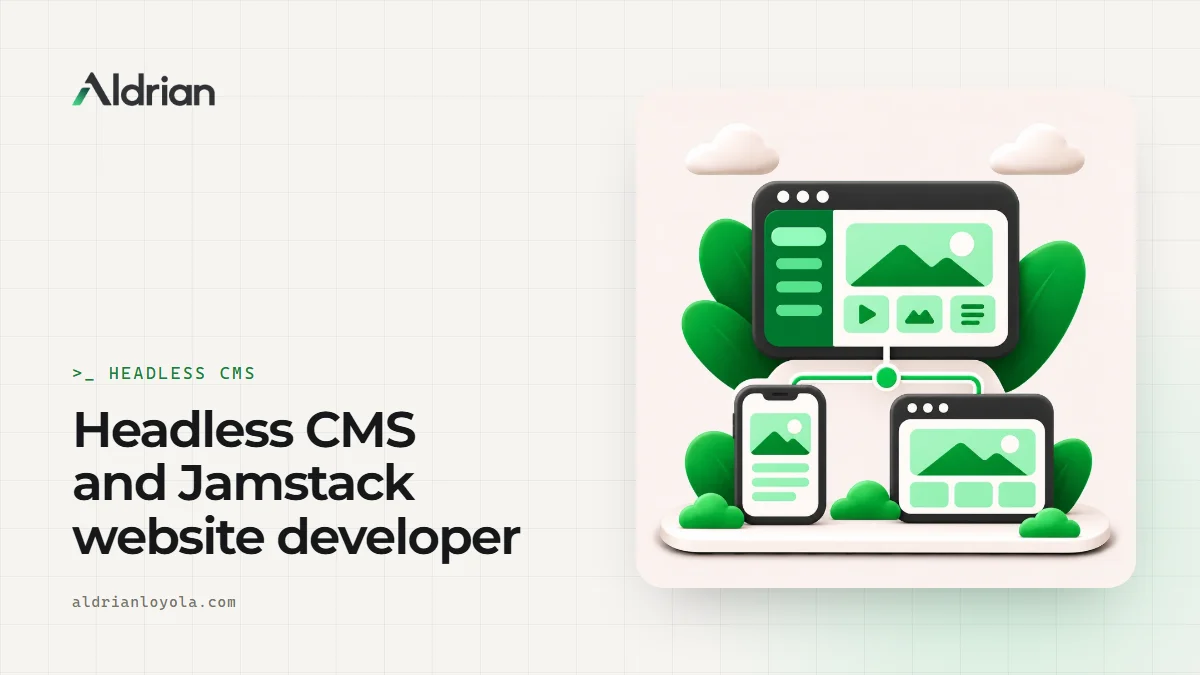
Traditional websites mix two jobs together: managing content and showing it to visitors. WordPress, for example, stores your content and also builds every page on the fly when someone visits. That's convenient, but it means your public website carries the weight and risks of the whole system.
A headless setup separates the two. Your content lives in a CMS, the "head" is removed, and a separate, fast front end displays it. Editors get a comfortable dashboard. Visitors get a fast, secure website.
I'm Aldrian, an independent developer. I build headless and Jamstack websites for businesses that want easy editing without giving up speed or security.
Why go headless
Speed
The public site can be pre-built as static pages or rendered at the edge close to visitors. Pages load fast, and Core Web Vitals are much easier to pass.
Security
The CMS can be locked away from the public, with no public admin login on the main site. Fewer attack paths, fewer emergencies.
Flexibility
Your content can feed more than one place: the website, an app, a kiosk, email templates or partner sites. Write once, publish everywhere.
Modern front end
The front end is built with modern tools like React, Next.js or Astro, which makes interactive features and fine-grained design easier.
Calm editing
Editors work in a clean, structured dashboard, with fields designed for your content, not a page builder full of options that can break layouts.
Headless options I work with
Headless WordPress
Keep the WordPress editor your team already knows, but serve the public site from fast, modern code. WordPress runs privately as the content source. Great for teams with existing WordPress content and habits.
Sanity, Strapi and similar CMSs
Purpose-built headless CMSs with flexible content models, live previews and good editing experiences. Good for new projects with structured content.
Git-based or file-based content
Content stored as Markdown files in your repository, edited through a simple interface. Very lightweight and cheap, great for small teams and documentation-style sites.
Database-backed custom CMS
For specific needs, I can build a simple admin panel on top of a database, tailored exactly to your content. My own website uses a custom admin with a database on Cloudflare.
When headless is a good idea
- You want top performance and strong security
- Your content is structured, like products, locations, team members, case studies or listings
- You publish to more than one channel
- You want a modern, interactive front end
- You've outgrown a page builder
When it's not
- A small site that rarely changes may be better as a simple static site
- A team that relies heavily on many WordPress plugins may find the move hard
- Very tight budgets, since headless setups involve a bit more initial build work
I'll tell you honestly whether headless is worth it for you.
How editing works day to day
Editors log in to the CMS, update content in clear fields and click publish. The website updates automatically, either instantly or within a short rebuild. Live previews let editors see changes before they go live. It feels simpler than most traditional setups, because editors can't accidentally break the layout.
Keeping SEO strong
Headless sites can be excellent for SEO when built properly:
- Server-rendered or pre-built HTML that search engines read easily
- Unique titles, descriptions and canonical URLs on every page
- Structured data generated from your content
- Automatic sitemaps
- Redirects managed from the CMS
- Fast pages
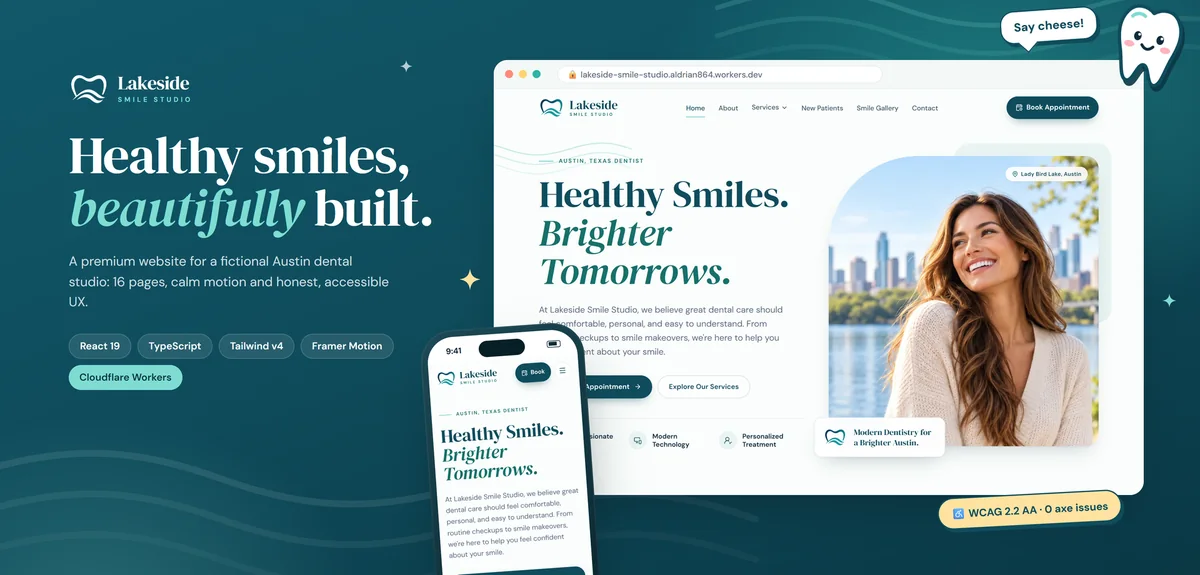
My Lakeside Smile Studio demo prerenders every route to its own HTML file with a unique title, description, canonical and social tags, plus a generated sitemap.
Migrating to headless
If you're moving from an existing WordPress or builder site:
- Inventory content, URLs and features
- Design a clear content model
- Build the front end as reusable components
- Migrate content, automatically where possible
- Keep URLs and set up redirects where needed
- Test everything and launch
More on migrations without losing SEO.
Hosting
Headless front ends deploy well to modern platforms like Cloudflare, Vercel or Netlify, often at low cost. The CMS is hosted by its provider or on your own server. You own all accounts.
Common mistakes with headless sites
Choosing headless for a five-page site that never changes. Overkill. A static site is simpler.
No preview for editors. Editors need to see changes before publishing.
Client-side rendering only. Pages built entirely in the browser can hurt SEO and speed. Pre-rendering or server rendering fixes that.
Messy content models. If the CMS mirrors page layouts instead of real content, editing becomes confusing.
What it usually costs
A headless site usually costs more to build than a simple theme-based site, but it often saves money over time through lower maintenance, fewer emergencies and better performance. You'll get a fixed quote after we talk.
How we'd work
- We talk about your content, editors and goals.
- We choose the CMS and front end.
- You get a quote with timeline and fixed price.
- I build the content model, front end and previews.
- We migrate content and test.
- We launch, and I train your editors.
Let's build a faster, calmer website
Tell me about your site and how your team edits content. I'll reply with a recommendation and a fixed quote.