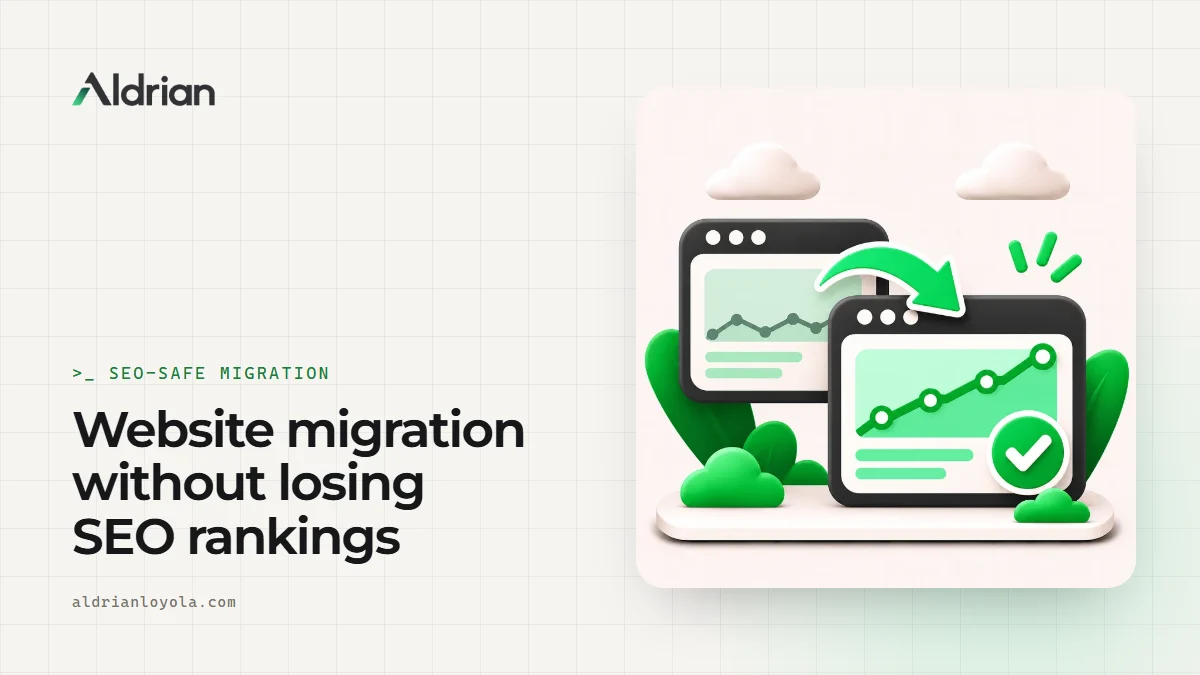
A new website should bring more visitors, not fewer. Yet a lot of businesses launch a redesign, move to a new platform or change domains, and then watch their search traffic fall. Usually it's not the new design's fault. It's the details that got skipped: old URLs that now return errors, missing page titles, pages that disappeared, tracking that stopped.
I'm Aldrian, an independent developer. I plan and carry out website migrations with SEO protection built into every step.
I've also been through this on my own site. When I moved my portfolio off its old WordPress setup to a custom build, I mapped old URLs to new ones with permanent redirects, cleaned up old sitemaps in Search Console and submitted the new one. It's the same process I follow for clients.
Types of migrations
- Redesign on the same platform and domain
- Platform change, like Wix to WordPress, WordPress to static or Shopify to WooCommerce
- Domain change, like a rebrand or moving from a country domain to .com
- Structure change, like reorganizing categories or merging sites
- Protocol change, like HTTP to HTTPS, or removing www
- Hosting move, which seems simple but can still break things
Each carries different risks, but the safeguards are similar.
What I protect during a migration
URLs
Every URL that has value, meaning pages with traffic, rankings or backlinks, needs to keep working. Where URLs stay the same, great. Where they change, each old URL gets a permanent 301 redirect to the most relevant new page. Not to the home page, and not in long chains.
Content
Pages that rank well should keep their key content. Removing or heavily rewriting your best pages during a redesign is a common cause of ranking drops.
Metadata
Page titles, meta descriptions, headings, canonical tags, image alt text and structured data are carried over or improved, never lost.
Internal links
Links inside your content are updated to point to new URLs directly, without relying on redirects.
Technical settings
Robots rules, sitemaps, hreflang for multi-language sites and noindex settings. A staging site's "noindex" accidentally going live is a classic disaster.
Tracking
Analytics, Search Console, conversion tracking and consent tools are set up and tested on the new site.
My migration process
1. Crawl and benchmark
I crawl the current site to collect every URL, title, description, heading, canonical and status code. I export performance data from Search Console and analytics to know which pages matter most.
2. Map old URLs to new
A spreadsheet maps every important old URL to its new destination. This is the backbone of the migration, and it's where most of the care goes.
3. Build and test on staging
The new site is built on a staging address, blocked from search engines. I check metadata, content and structured data against the benchmark.
4. Test the redirects
Before launch, every redirect in the map is tested automatically: correct destination, correct 301 status, no chains, no loops.
5. Launch carefully
Remove staging blocks, deploy redirects, update the sitemap and submit it in Search Console. For domain changes, use Search Console's change of address tool.
6. Monitor
In the weeks after launch, I watch Search Console for errors, crawl the live site again, check that important pages are indexed and fix anything that slipped through.
What to expect after launch
Even a well-run migration can cause some short-term movement in rankings while search engines process the changes. That's normal. The goal of a careful migration is to keep that period short and mild, and to end up stronger. Anyone promising zero fluctuation is overselling.
Common migration mistakes
Redirecting everything to the home page. Search engines often treat these as soft errors, and visitors land somewhere unhelpful.
Forgetting images and PDFs. They can rank and have backlinks too.
Launching with noindex left on. The whole site disappears from search.
Changing everything at once. New domain, new structure and new content in one go makes problems harder to diagnose.
Not keeping the old sitemap and analytics data. You need them to compare before and after.
Letting the old domain expire. After a domain change, keep the old domain and its redirects for a long time.
Large sites need extra care
Stores and content-heavy sites with hundreds or thousands of URLs need automated crawling, scripted redirect maps and spot checks. On my Artic Flex work, 357 live pages were checked after a major PHP upgrade, because big sites hide problems in corners nobody visits often.
What it usually costs
It depends on the size of the site and how much is changing. A migration plan and redirect map can be quoted on its own, or as part of a redesign or rebuild. You'll get a fixed quote after I've reviewed your site.
How we'd work
- Tell me what's changing and share access to Search Console and analytics.
- I crawl and benchmark your current site.
- You get a plan and a fixed quote.
- I build or support the migration, with redirects tested.
- We launch carefully.
- I monitor and fix issues in the weeks after.
Let's move your site safely
Tell me about your migration. I'll reply with a plan and a fixed quote.