Every business with a website for long enough ends up with one. The site or system that "still works," built years ago by someone who's moved on. Nobody wants to touch it because nobody fully understands it. It runs on an old PHP version, an outdated CMS or a framework that stopped getting updates. Every small change takes days. And somewhere in the back of your mind, you know a security problem is waiting.
I'm Aldrian, an independent developer. I modernize legacy websites and web applications, carefully and in stages, so your business keeps running while the foundation gets replaced.
Signs it's time to modernize
- The site runs on a PHP version or CMS that no longer receives security updates
- Simple changes take far longer than they should
- Developers refuse to work on it, or quote huge numbers to touch it
- It breaks on phones or modern browsers
- It's slow, and quick fixes don't help
- Plugins, libraries or the framework are abandoned
- You've had security incidents, or worry you might
- Your hosting provider is pushing you to upgrade the server
Rebuild, refactor or upgrade?
Not every old system needs a full rewrite. I'll look at what you have and recommend one of these:
Upgrade in place
Bring the existing platform up to date: newer PHP, updated CMS and plugins, patched code. Good when the foundation is still sound. On my Artic Flex work, I moved a live WooCommerce store from PHP 7.4 to PHP 8.4 by reviewing outdated template overrides one by one, patching plugins and replacing unmaintained ones, with everything proven on staging first.
Refactor gradually
Clean up and restructure the code piece by piece without changing what it does. Good when the system works but is hard to maintain. More on clean code refactoring.
Rebuild on a modern stack
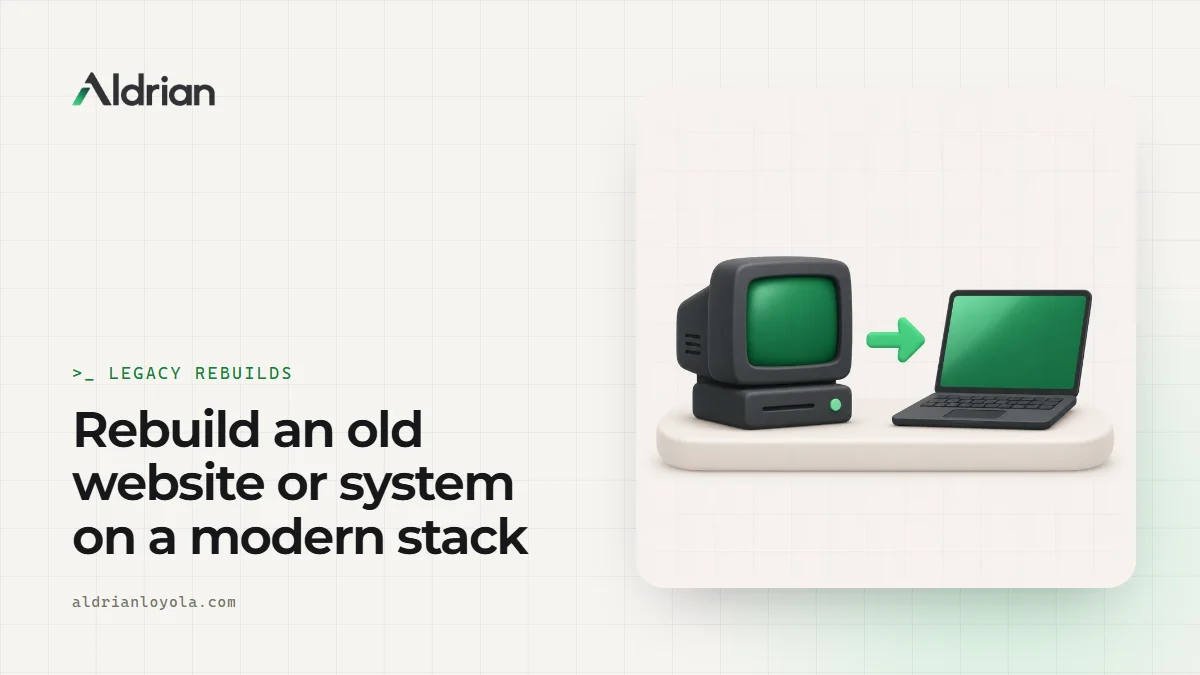
Replace the system with a new one, migrating data and features. Good when the old platform is abandoned, insecure or holding the business back.
Often the right answer is a mix: stabilize now, then rebuild in stages.
The modern stack I use
For new builds, I usually work with:
- TypeScript for safer, more maintainable code
- React with modern frameworks for interfaces
- Cloudflare Workers for fast, low-cost serverless hosting
- SQL databases like D1, Postgres or MySQL, or Supabase where it fits
- Tailwind CSS for consistent, maintainable styling
- Automated tests for the parts that matter most
For content sites, a lean WordPress setup or a headless CMS may fit better. I choose based on your needs, not trends. My Ghostly project shows the kind of modern, secure web app I build.
How a safe modernization works
1. Understand what exists
I read the code, map the features, document the database and find the hidden behaviors nobody wrote down. Old systems often do important things quietly, like sending a report every Monday or calculating a discount in a strange way. Missing those breaks the business.
2. Stabilize
Backups, security patches and monitoring first, so the old system is safe while the new one is built.
3. Plan in stages
Instead of one risky big-bang switch, I plan small, testable steps. Sometimes the new system runs alongside the old one, taking over feature by feature.
4. Migrate data carefully
Data is cleaned, transformed and moved with scripts that can be tested and rerun. Counts and samples are checked so nothing is lost.
5. Keep URLs and integrations working
Old URLs redirect to new ones, and connections to other systems keep working. See migrations without losing SEO.
6. Test with real users
Your team tries the new system with real tasks before the switch.
7. Switch over and support
The switch happens at a quiet time, with a rollback plan ready. I stay close for the first days after launch.
Security is often the urgent reason
Outdated software is one of the most common ways websites get hacked. Old PHP versions, unpatched CMS cores and abandoned plugins have known vulnerabilities that automated bots scan for constantly. Even if you're not ready for a full rebuild, patching and hardening should come first. More on website security hardening.
Common mistakes in legacy rebuilds
Rewriting everything at once. Big rewrites often run late and miss hidden features. Staged work is safer.
Copying old problems. Moving bad data structures and odd workarounds into the new system defeats the purpose.
Ignoring the people who use it. Staff know the quirks. Ask them before replacing anything.
No rollback plan. Every switch needs a way back.
Forgetting SEO. Changed URLs without redirects can wipe out years of search visibility.
What it usually costs
It depends heavily on the size of the system, the state of the code and how much data needs to move. Often the first step is a paid review that maps the system and gives you a realistic plan, followed by a fixed quote for each stage.
How we'd work
- Tell me about the system and what worries you most.
- I review the code, hosting and data.
- You get a plan with options and a fixed quote for the first stage.
- We stabilize and secure the current system.
- I build in stages, with testing at each step.
- We switch over with a rollback plan, and I support the team after launch.
Let's modernize without breaking things
Tell me about your old website or system. I'll reply with honest options and a fixed quote.