"Should I go custom or WordPress?" usually comes right after "how much is a website?" And most answers online come from people who only build one of them, so of course they recommend what they sell.
I build both. I maintain WordPress and WooCommerce stores, I've written a free WordPress security plugin, and I also hand-code websites and web apps from scratch. So here's an honest comparison, focused on what you'll actually spend.
The short answer
WordPress is often cheaper to start if you need a content-heavy site that lots of people will edit, or a store with standard features.
A custom-coded site is often cheaper to own if your site is mostly fixed pages, you care about speed and you'd rather not pay yearly for themes and plugins.
The right choice depends on how you'll use the site, not on which one is "better."
What you pay for with WordPress
WordPress itself is free. The costs come from everything around it.
Theme. Many sites use a premium theme with a yearly license for updates and support.
Plugins. Forms, SEO, caching, security, backups, sliders, page builders. Some are free, but many useful ones are paid subscriptions. A typical business site can easily rely on several paid plugins.
Hosting. WordPress needs a server running PHP and a database. Cheap shared hosting works for small sites but often feels slow. Good managed WordPress hosting costs more.
Maintenance. WordPress core, themes and plugins update often. Skipping updates leaves security holes. Doing them carelessly can break the site. Either you do this, or you pay someone to.
Fixing conflicts. When two plugins disagree or an update breaks a layout, someone has to sort it out.
None of this makes WordPress bad. I worked on a WooCommerce store that needed its theme overrides cleaned up and its plugins patched so it could move from PHP 7.4 to PHP 8.4 safely. That's normal WordPress life. You just need to plan and budget for it.
What you pay for with a custom website
A custom-coded website is built specifically for you, usually with HTML, CSS and JavaScript or a modern framework.
Build. The design and coding take real time, so the upfront cost can be higher than installing a theme.
Hosting. Static and lightweight custom sites can often run on fast, low-cost hosting, sometimes with very small monthly bills.
Licenses. Usually none. There's no theme or plugin subscription to renew.
Maintenance. Much lighter. There's no plugin stack to update every week, and far fewer moving parts to attack.
Content changes. This is the trade-off. If you want to edit pages yourself, you either need a simple content management setup or you ask your developer for changes.
Comparing the costs over three years
Instead of looking only at the launch price, picture the next three years.
| WordPress | Custom-coded | |
|---|---|---|
| Upfront build | Often lower | Often higher |
| Theme and plugin licenses | Usually yearly | Usually none |
| Hosting | Needs PHP and a database | Can be very light |
| Updates and security | Regular, ongoing | Minimal |
| Speed out of the box | Depends heavily on setup | Usually fast |
| Editing content yourself | Easy | Needs a CMS or developer |
| Breakage after updates | Possible | Rare |
For a simple business site that rarely changes, the custom option often comes out cheaper over time. For a blog with daily posts or a team of editors, WordPress usually wins.
When I recommend WordPress
- You publish blog posts or news often
- Several people need to edit the site without a developer
- You need a store with standard features and many plugins already solve them
- You want access to a large pool of WordPress developers later
When I recommend custom code
- Your site is mostly service pages, a portfolio or a landing page
- Speed and Core Web Vitals matter for your business
- You want fewer recurring costs and less maintenance
- You've had a WordPress site hacked or broken by updates before
- You need features that would take a pile of plugins to fake
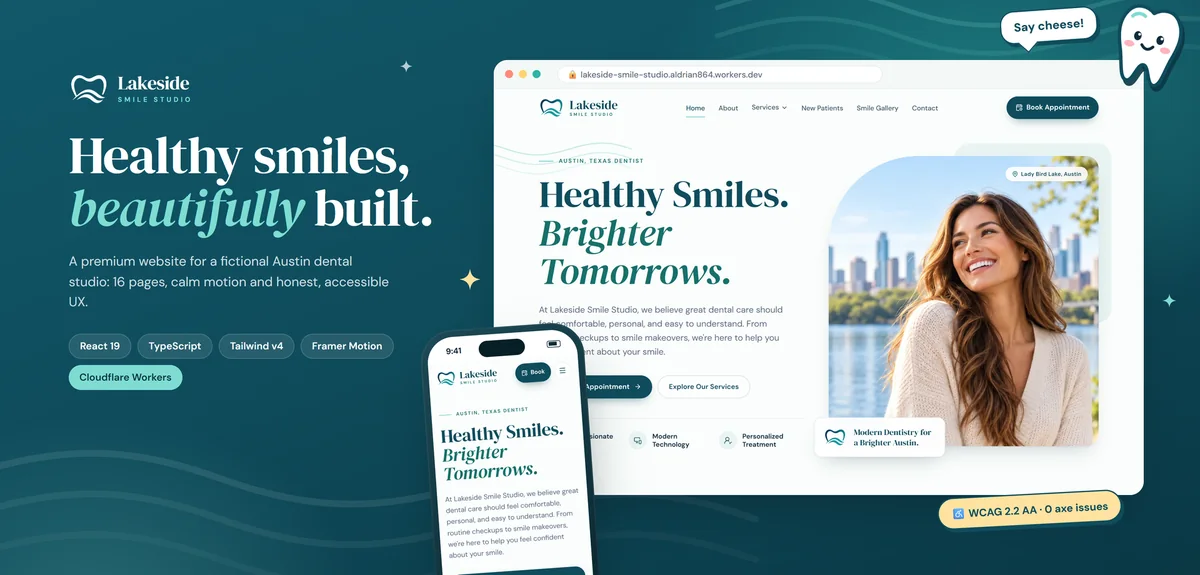
The Lakeside Smile Studio demo in my portfolio is a good example of a hand-coded small-business site: fast, accessible and with no plugins to keep updated.
There's a middle ground
You don't have to pick an extreme.
- A lean WordPress build with a custom theme and only the plugins you truly need keeps WordPress fast and cheaper to maintain.
- A headless setup lets you edit content in a CMS while the public site is fast, custom code. I explain this on my headless CMS page.
- A static site with a simple editor gives you light hosting and easy edits for the pages you change most.
Hidden costs to ask about
Whichever route you take, ask your developer:
- Which themes and plugins are paid, and what do they cost each year?
- Who handles updates, and how often?
- Where will the site be hosted, and in whose name?
- Can I edit the content myself? Which parts?
- What happens if I want to move to another developer?
Honest answers to those five questions tell you more about the real cost than any package price.
Not sure which is right for you?
Tell me about your business and how you'll use the site. I'll recommend the option that makes sense for you, explain why and give you a fixed quote.