Open your website on your phone right now. Can you read the text without zooming? Can you tap the menu easily? Do images fit the screen, or do you have to scroll sideways? Does the contact form work with the phone keyboard? Does the page load before you lose patience?
If any of those answers is no, you're losing visitors every day, because for most businesses, phones bring the majority of website traffic.
I'm Aldrian, an independent developer. I build new websites mobile first, and I fix existing websites that don't work well on phones and tablets.
What "responsive" really means
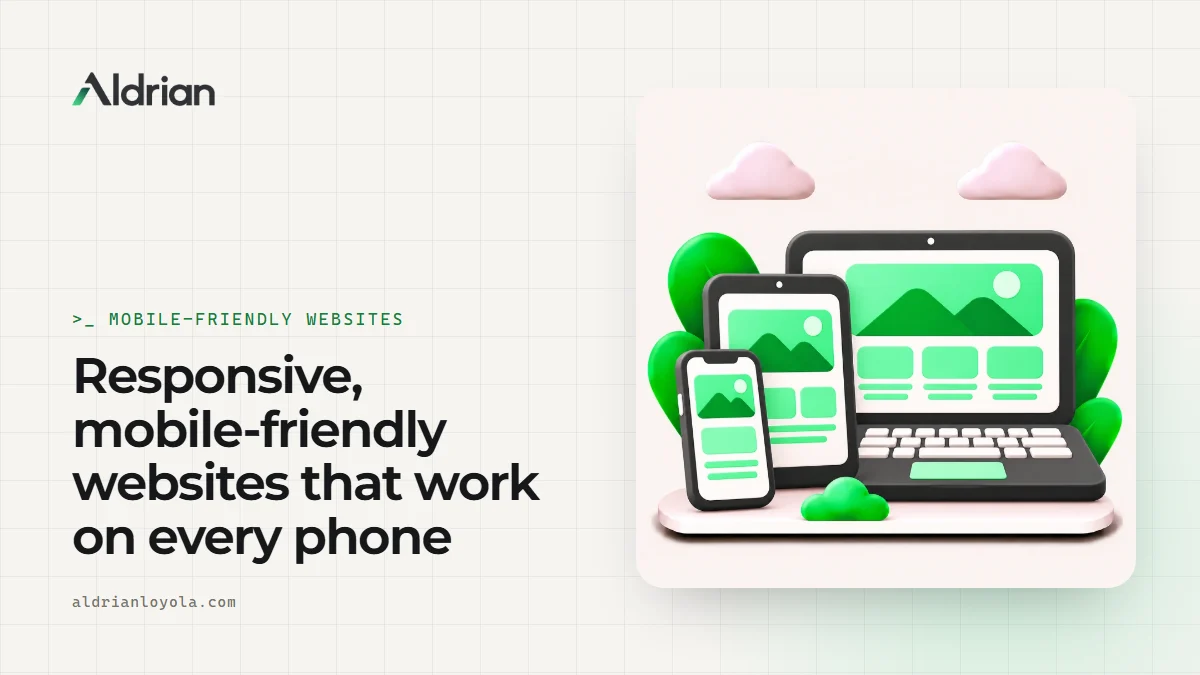
A responsive website adapts its layout to the screen it's viewed on. But truly mobile-friendly goes further:
Readable text
Body text large enough to read without zooming, with comfortable line lengths and spacing.
Easy tapping
Buttons and links large enough to tap accurately, with enough space between them.
Layouts that adapt
Columns stack sensibly, images resize, tables become scrollable or reorganize, nothing overflows the screen.
Navigation that works
A clear mobile menu that's easy to open, use and close, with the most important links on top.
Forms built for phones
The right keyboard for each field, like a number pad for phone numbers, labels that stay visible, short forms and helpful error messages.
Fast loading on mobile data
Smaller images for smaller screens, fewer scripts and pages that appear quickly even on a weak signal. See speed optimization.
Works on real devices
Not just in a desktop browser resized to look like a phone, but on actual phones of different sizes, including budget Android phones and iPhones.
Mobile first, by habit
Every site I build starts with the phone layout, then expands to tablets and desktops. Designing for the smallest screen first forces clarity: the most important content and actions come first, and nothing unnecessary sneaks in.
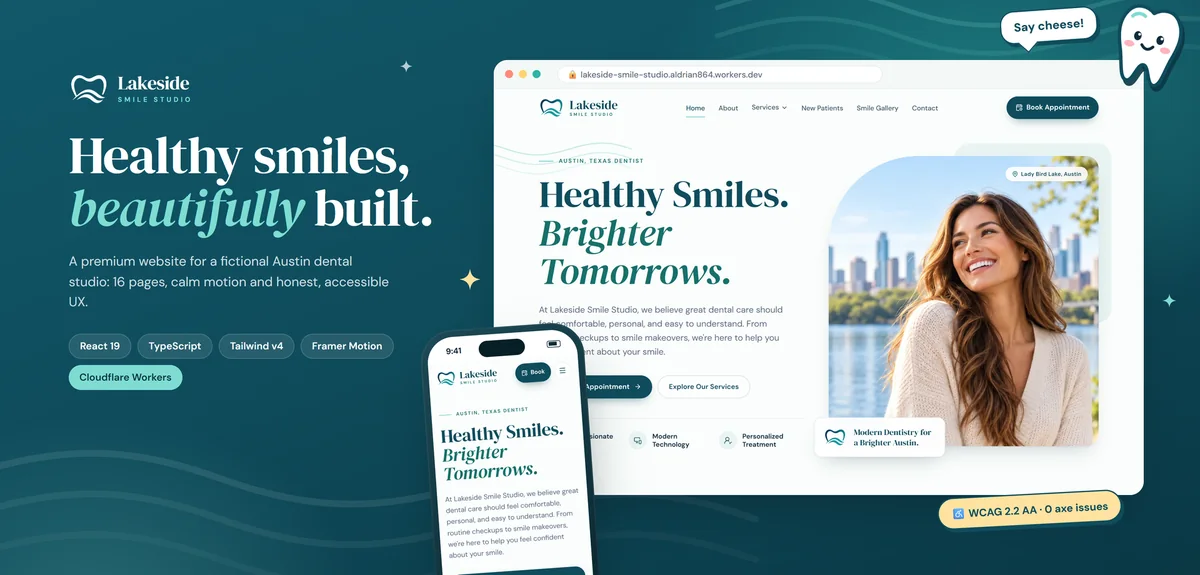
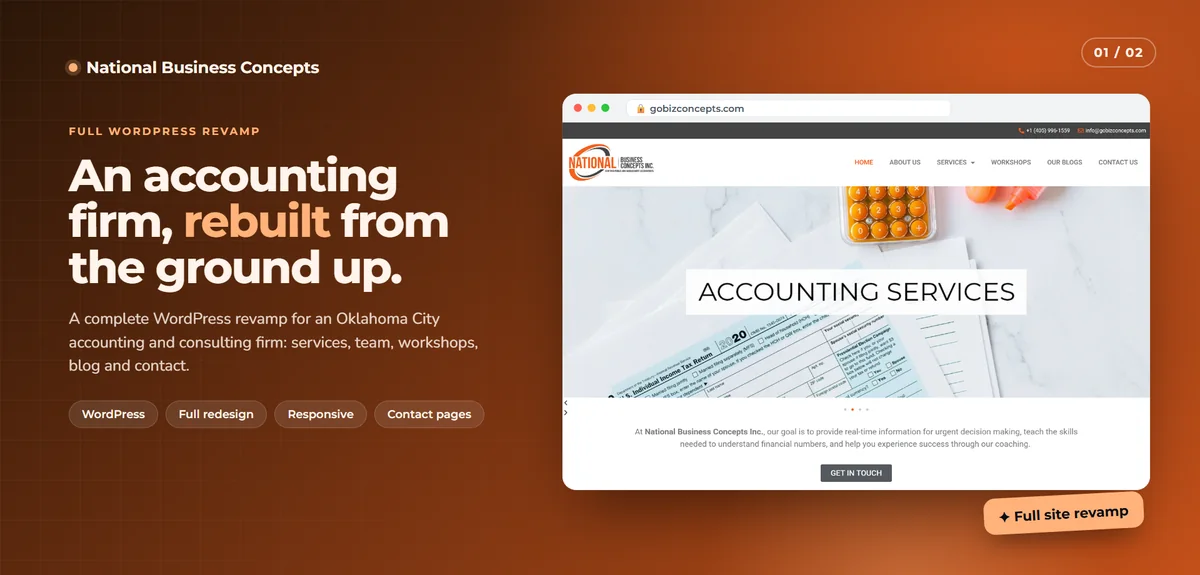
The National Business Concepts revamp was built responsive for phones and tablets throughout. Ghostly has a mobile-first interface designed to feel instant and friendly on a phone. The Lakeside Smile Studio demo was built to be easy to navigate and accessible on every screen.
Fixing a site that breaks on phones
If your current website doesn't work well on mobile, a full rebuild isn't always necessary. Common fixes include:
- Adding or correcting the viewport settings
- Rewriting fixed-width layouts to be flexible
- Making images and videos scale properly
- Reworking navigation into a proper mobile menu
- Enlarging tap targets and adjusting spacing
- Fixing tables, embeds and wide elements that overflow
- Improving forms for phone keyboards
- Removing pop-ups that cover the screen on mobile
If the site is built on an old, rigid theme, a redesign may be more cost-effective. I'll tell you honestly.
Why mobile matters for search
Google primarily uses the mobile version of your website for indexing and ranking, known as mobile-first indexing. If content or structured data is missing on mobile, or the mobile experience is poor, it can affect how your site appears in search. Core Web Vitals are also measured from real visitors, and mobile visitors usually have the slowest experience. See Core Web Vitals fixes.
Tablets and large screens too
Responsive isn't only about phones. I check layouts on tablets in both orientations, on laptops and on wide desktop monitors, so your site looks intentional everywhere, not stretched or cramped.
Accessibility and mobile go together
Many mobile-friendly practices, like readable text, large tap targets and clear labels, also make sites more accessible. I follow accessibility guidelines alongside responsive design. See accessibility.
Common mobile mistakes
Text too small. Visitors shouldn't have to pinch and zoom.
Pop-ups that can't be closed. On small screens, they block everything.
Tiny links close together. Wrong taps are frustrating.
Horizontal scrolling. Something is too wide for the screen.
Desktop-sized images. Huge files waste mobile data and time.
Hidden content. Content shown only on desktop may be missed by visitors and search engines.
Click-to-call missing. On phones, tapping a number should start a call.
How I test
- Real phones and tablets, plus device emulation for wider coverage
- Different browsers, including Safari on iPhone and Chrome on Android
- Slow network simulation
- Portrait and landscape orientations
- Large text settings, for visitors who increase their phone's font size
Thumb-friendly design
On phones, most people navigate with one thumb. The bottom and middle of the screen are easiest to reach, while the top corners are hardest. I place key actions, like calling, booking or adding to cart, where thumbs can reach them comfortably, and keep important buttons clear of the edges where they're easy to miss.
What it usually costs
Fixing specific mobile problems on an existing site can be a small project. Making a rigid old site fully responsive, or redesigning it, is bigger. You'll get a fixed quote after I've looked at your site on real devices.
How we'd work
- Send me your site and tell me what looks wrong on phones.
- I test on real devices and list the problems.
- You get a quote with timeline and fixed price.
- I fix or rebuild on a preview link.
- We test together on your own phone.
- We launch and check search tools afterward.
Let's make your site work on every phone
Send me your website address. I'll reply with what needs fixing and a fixed quote.