A slow website quietly costs you. Visitors leave before the page appears, shoppers abandon carts while waiting for product images, and search engines see a page experience that doesn't compare well with your competitors.
I'm Aldrian, an independent developer. I offer website speed optimization as a defined service with a clear process, a fixed price and a report at the end. I work with WordPress, WooCommerce, Shopify themes, static sites and custom web apps.
What's included
A measured audit
I test your key pages, usually the home page, a top landing page, a product or service page and checkout if you have one, using Lighthouse, PageSpeed Insights and browser developer tools. I check both mobile and desktop, because they behave very differently.
You'll see:
- What loads, in what order and how big it is
- What blocks the page from showing
- What makes the page jump around while loading
- What makes clicks and taps feel slow
- How long the server takes to respond
A prioritized fix list
Not every issue is worth fixing. I rank them by impact and effort, so we fix the things that make the biggest difference first.
The fixes
Depending on what the audit finds, typical work includes:
- Images: resizing, modern formats, responsive sizes and lazy loading
- Scripts: removing unused code, deferring non-critical scripts and taming third-party widgets
- CSS: removing unused styles and loading critical styles first
- Fonts: fewer font files, preloading and avoiding invisible text while fonts load
- Caching: page, browser and object caching set up properly
- CDN: serving files from locations closer to visitors
- Server: PHP version, database cleanup and slow query fixes. More on server and database optimization.
- Plugins and apps: replacing heavy ones with lighter options or removing what you don't need
Regression testing
After changes, I check that forms, menus, checkout, tracking and important features still work, on phones and desktops.
A before and after report
A short report in plain language, showing scores and real timings before and after, what was changed and what's left if you want to go further.
What I won't do
- Promise a perfect score before seeing your site. Some sites can reach very high scores. Others are limited by things like ad networks or required third-party tools. I'll tell you what's realistic after the audit.
- Hide problems behind tricks. Some "optimizations" only fool testing tools. I make the site faster for real visitors.
- Break things for a number. A faster site that drops your analytics or breaks checkout isn't a win.
Scores I've measured
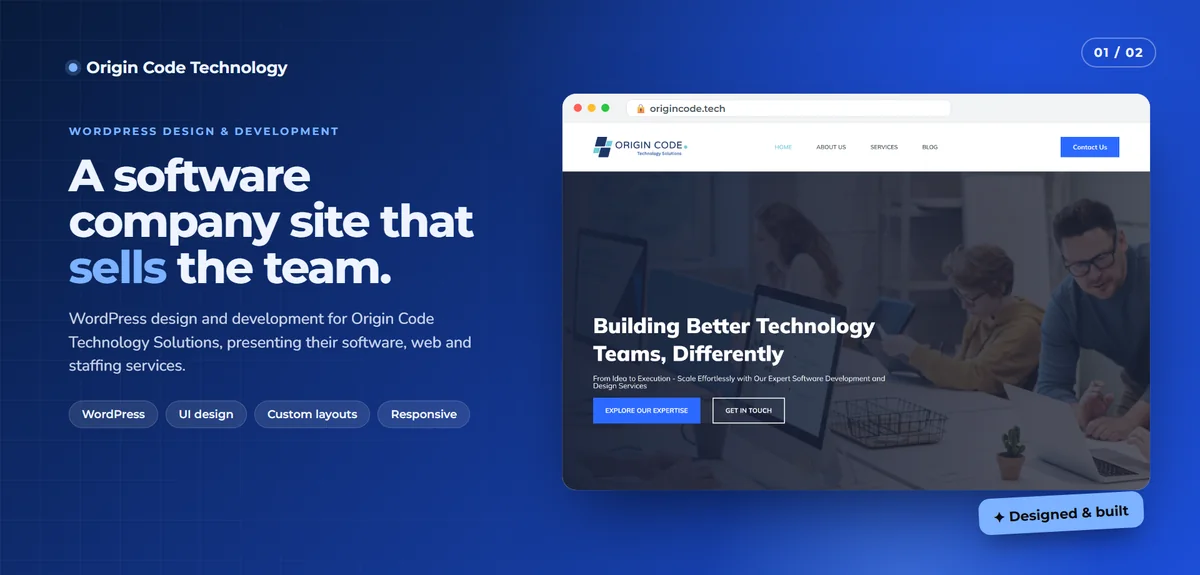
On case studies in my portfolio, I've published Lighthouse results with the date they were measured. For example, the Origin Code Technology site scored 100 for SEO, 96 for best practices and 93 for accessibility on desktop when I measured it. Scores vary between runs, so I always show the date and a link to test it yourself.
Speed work by platform
WordPress and WooCommerce
The most common platform I optimize. Typical wins come from images, plugin cleanup, caching, PHP upgrades and database cleanup. I've upgraded a live WooCommerce store from PHP 7.4 to PHP 8.4 with staging tests first.
Page builder sites
Elementor, Divi and similar builders add a lot of weight. I can optimize them, but sometimes replacing the page builder with clean code is the better long-term answer.
Shopify
Theme code, apps and images are usually the main factors. I clean up unused app code and optimize theme assets.
Static and custom sites
Usually fast already, but build settings, images, fonts and third-party scripts can still be improved.
Web apps
Bundle size, code splitting, data loading and server response times matter most.
Why speed is worth paying for
- Visitors stay. People are less likely to leave a page that appears quickly.
- Better experience on phones. Especially on slower connections and older devices.
- Search visibility. Page experience is one of many signals search engines consider.
- Lower costs. Lighter pages use less bandwidth and server resources.
- Better ad performance. Faster landing pages often make paid campaigns more effective.
Third-party scripts: the hidden cost
On many sites I audit, the biggest slowdown isn't the site itself. It's everything bolted on: chat widgets, heatmaps, multiple analytics tools, social feeds, review badges, pop-up builders and old ad pixels nobody uses anymore. Each one adds requests and JavaScript that compete with your content.
Part of the audit is a simple inventory of every third-party script, what it's for and whether anyone still uses it. Often a few can be removed entirely, and the rest can be loaded later or only on the pages that need them. It's one of the quickest wins, and it doesn't change how your site looks at all.
How it works
- Send me your URL and tell me which pages matter most.
- I run a quick review and send a fixed quote for the audit and fixes.
- I back up your site and work on staging where possible.
- I apply the fixes and test everything.
- You get the report with before and after results.
Ongoing performance
If your site changes often, speed can drift. I offer ongoing checks as part of maintenance, so new images, plugins and features don't slow things down again.
Let's make your site faster
Send me your website address. I'll take a look and reply with a fixed quote.