Maybe you opened Google Search Console and saw a red or orange Core Web Vitals report. Maybe PageSpeed Insights showed a failing assessment. Either way, you want it fixed, and you want to understand what it actually means for your site.
I'm Aldrian, an independent developer. I diagnose and fix Core Web Vitals issues on WordPress, WooCommerce, Shopify, static sites and custom web apps.
The three Core Web Vitals, in plain English
LCP: Largest Contentful Paint
How long it takes for the main content, usually the biggest image or heading near the top, to appear. Slow LCP usually comes from a slow server, heavy hero images, render-blocking CSS and JavaScript, or fonts that load late.
INP: Interaction to Next Paint
How quickly the page responds when someone taps or clicks. Poor INP feels like a page that "freezes" when you tap a menu or a button. It's usually caused by heavy JavaScript, big third-party scripts, or code that does too much work on every interaction.
CLS: Cumulative Layout Shift
How much the page jumps around while loading. You go to tap a button and an ad or image pushes it down, so you tap the wrong thing. It's usually caused by images without set dimensions, ads and embeds without reserved space, late-loading fonts and banners that appear above content.
Lab data vs field data
This is the part many people miss.
Lab data comes from tools like Lighthouse, running one test on one simulated device. It's great for finding problems.
Field data comes from real Chrome users visiting your site over the past 28 days. This is what Search Console reports and what Google uses for page experience.
You can have a good Lighthouse score and still fail in the field, or the other way around. I use lab tools to find and fix causes, then watch field data to confirm the fix worked for real visitors. Because field data covers 28 days, improvements show up gradually.
How I fix Core Web Vitals
1. Find which pages and metrics fail
Search Console groups failing URLs by issue. I check which page templates are affected, like product pages, blog posts or the home page, because fixing the template usually fixes every page that uses it.
2. Reproduce and diagnose
Using Lighthouse, performance traces and real-device testing, I find the exact elements and scripts causing each problem.
3. Fix the cause
Typical fixes:
For LCP
- Faster server response, caching and CDN
- Properly sized and preloaded hero images
- Removing render-blocking CSS and JavaScript
- Efficient font loading
For INP
- Reducing and splitting JavaScript
- Delaying non-essential third-party scripts
- Breaking up long tasks
- Simplifying heavy menus, sliders and widgets
For CLS
- Setting width and height on images and videos
- Reserving space for ads, embeds and banners
- Avoiding content injected above what's already visible
- Font loading that doesn't shift text
4. Test thoroughly
Every change is tested on mobile and desktop, and key features like forms, menus and checkout are checked again.
5. Validate in Search Console
Once fixes are live, I start validation in Search Console and monitor field data as it updates.
Platform-specific issues
WordPress and page builders
Page builders often load large CSS and JavaScript files on every page, and sliders, animations and pop-ups cause both slow loading and layout shifts. Cleaning these up usually helps a lot. Sometimes replacing the page builder is the better long-term fix.
WooCommerce
Product galleries, cart fragments, review widgets and payment scripts are common culprits. I optimize them without breaking checkout.
Shopify
Apps inject scripts into themes, often even after they're uninstalled. Cleaning leftover app code and optimizing theme assets helps.
Custom web apps
Large JavaScript bundles and client-side rendering often hurt LCP and INP. Server-side rendering, code splitting and smarter data loading help.
What results to expect
I'll tell you honestly what's achievable after I've seen your site. Some sites can pass all three metrics comfortably. Others depend on third-party tools that limit how far we can go. Either way, you'll know what was fixed, what improved and what's left.
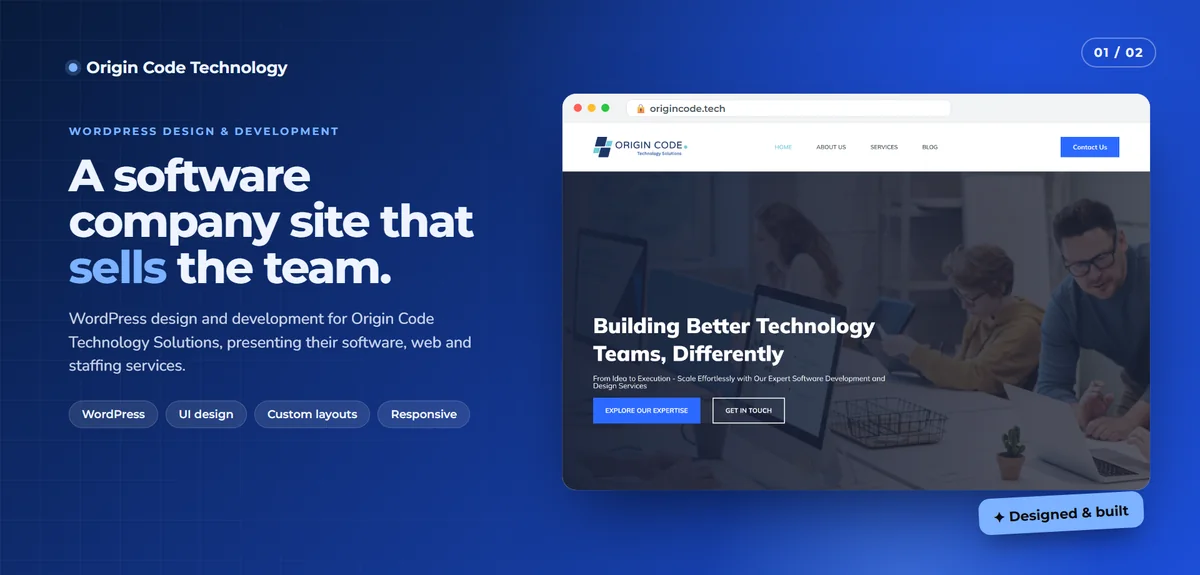
On my own portfolio case studies, I publish dated Lighthouse results with a link so anyone can test them, like the Origin Code Technology site's scores of 100 for SEO and 96 for best practices on desktop when measured.
Does Core Web Vitals affect rankings?
Google has said page experience, including Core Web Vitals, is one of many signals it uses. Great content still matters most. But between similar pages, a better experience can help, and a faster, more stable page almost always keeps more visitors. That's reason enough to fix it.
Common mistakes when fixing Core Web Vitals
Chasing the lab score only. Field data is what counts in Search Console.
Lazy loading the hero image. It delays the main content and hurts LCP.
Stacking optimization plugins. Multiple plugins doing the same job often conflict.
Fixing one URL instead of the template. Most issues live in shared templates.
How we'd work
- Share access to Search Console and your site.
- I review the report and send a fixed quote.
- I fix issues on staging where possible, then live.
- We validate in Search Console and watch field data.
- You get a report in plain language.
Let's get your Core Web Vitals passing
Tell me about your site and what Search Console shows. I'll reply with a plan and a fixed quote.