Many people use the web differently. Someone who's blind uses a screen reader that reads pages aloud. Someone with a hand injury uses only a keyboard. An older visitor increases the text size on their phone. Someone with color blindness can't tell red from green. Someone in bright sunlight squints at low-contrast text.
An accessible website works for all of them. And in practice, accessible websites are clearer and easier for everyone.
I'm Aldrian, an independent developer. I build accessible websites from the start, and I audit and fix existing sites using the Web Content Accessibility Guidelines, known as WCAG.
Accessibility in my own work
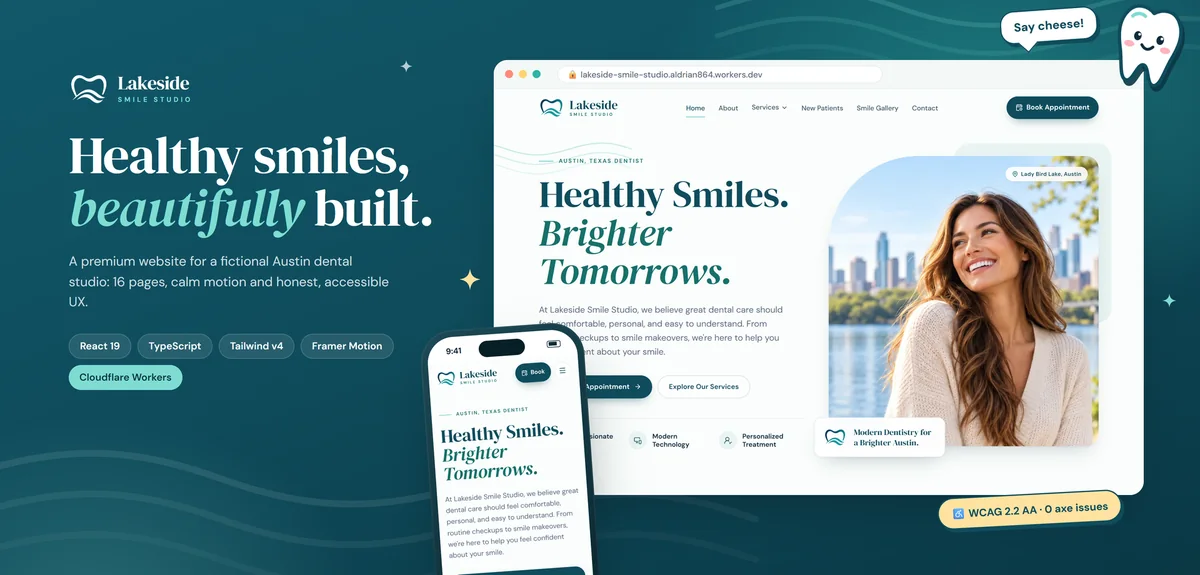
The Lakeside Smile Studio demo was built to show what a modern small-business website can be: easy to navigate, fast, accessible to everyone and honest. Its motion respects reduced-motion settings, and the structure was designed for keyboard and screen reader users from day one.
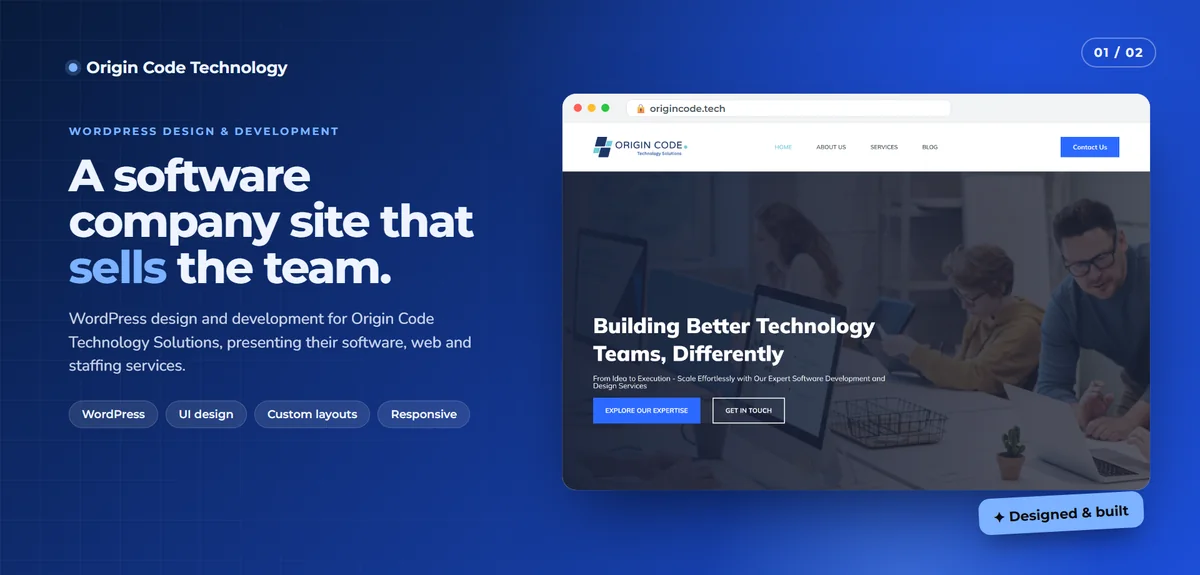
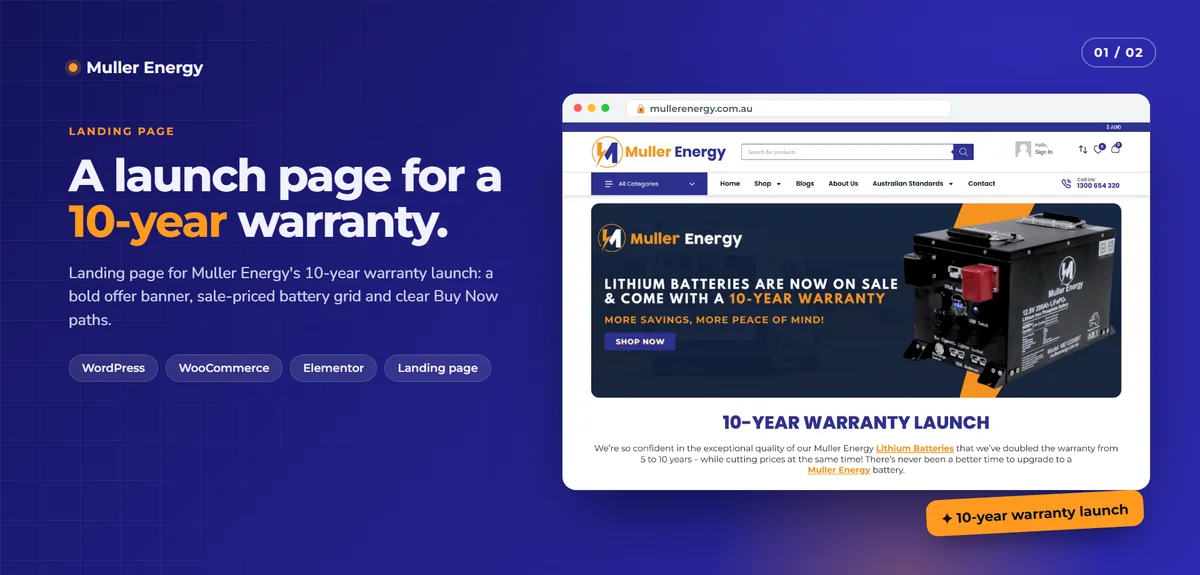
On client work, I've published dated Lighthouse accessibility results: the Muller Energy landing page scored 97 and Origin Code Technology scored 93 when I measured them on desktop. Automated scores are only part of the picture, which I explain below, but they're a useful signal.
What accessibility covers
Perceivable
- Text alternatives for meaningful images
- Captions and transcripts for video and audio
- Enough color contrast between text and background
- Information that doesn't rely on color alone
- Content that still works when text is enlarged
Operable
- Everything usable with a keyboard
- Visible focus indicators so keyboard users know where they are
- No keyboard traps in menus, modals or widgets
- Enough time to read and act
- No flashing content that could trigger seizures
- Skip links and clear headings for fast navigation
- Tap targets large enough to use
Understandable
- Clear, plain language
- Consistent navigation
- Form labels that stay visible, and helpful error messages
- Predictable behavior when interacting with elements
Robust
- Clean, valid HTML with correct semantics
- Accessible names and roles for buttons, links and controls
- Compatibility with screen readers and other assistive technology
Automated tools are only the start
Tools like Lighthouse and axe catch many issues automatically, like missing alt text, low contrast and missing labels. But they can't tell whether alt text makes sense, whether a custom dropdown works with a screen reader or whether the reading order is logical. Studies and experience show that automated tools catch only a portion of real accessibility issues.
So my audits combine:
- Automated scans across key pages
- Manual keyboard testing
- Screen reader testing on desktop and mobile
- Zoom and large text testing
- Color and contrast review
- Form and error flow testing
What an audit includes
- Key pages and flows reviewed: home, main services, forms, checkout or booking
- Issues listed with where they occur, why they matter and which WCAG criterion applies
- Priority based on impact: issues that block people come first
- Fixes recommended in plain language, or implemented directly
- Re-testing after fixes
Common accessibility issues I fix
- Images without useful alt text, or decorative images read aloud
- Low contrast text, especially light grey on white
- Buttons and links with no accessible name, like icon-only buttons
- Menus and dropdowns that don't work with a keyboard
- Modals and pop-ups that trap focus or can't be closed
- Missing visible focus indicators
- Form fields without labels, or errors that aren't announced
- Headings used for styling instead of structure
- Carousels that auto-play without pause controls
- Videos without captions
- Content that breaks when text is enlarged
Legal context
Accessibility laws and requirements vary by country. In the United States, the ADA has been applied to websites. The EU has the European Accessibility Act. Many governments require WCAG conformance for public sector sites. I'm a developer, not a lawyer, so please confirm your legal obligations with your own advisor. What I can do is help your site meet WCAG technically and document the work.
Accessibility is good for business
- More people can use your site and buy from you
- Clear structure and alt text support search engines
- Accessible forms and checkouts convert better for everyone
- It shows care for your customers
Built in, not bolted on
Accessibility is cheapest when it's part of design and development from the start. Overlays and widgets that promise instant compliance don't fix the underlying code and can make things worse for assistive technology users. I fix the real code. For new projects, see UI/UX design and responsive development.
Common accessibility mistakes
Relying on an overlay widget. It doesn't fix the underlying problems.
Chasing a perfect automated score. A score of 100 doesn't guarantee real accessibility.
Removing focus outlines for looks. Keyboard users get lost.
Placeholder text as labels. It disappears when typing starts.
Testing only once. New content and features can introduce new issues.
What it usually costs
It depends on the number of templates and complexity of interactive features. Audits are quoted as fixed-price projects, and fixes are quoted after the audit. New builds include accessibility as standard.
How we'd work
- Tell me about your site and any accessibility concerns.
- I review key pages and quote an audit.
- I audit and deliver a prioritized report.
- I fix issues, or guide your team.
- We re-test and document results.
- I recommend how to keep it accessible as content grows.
Let's make your site work for everyone
Tell me about your website. I'll reply with a plan and a fixed quote.