
Website Project Brief Template
A fill-in-the-blanks brief that helps you plan a new website or redesign, and get clearer, more accurate quotes from developers.
- Type
- Tool
- Requires
- About 30 minutes
- Updated
- Sep 18, 2026
Copy this template into a document and fill it in. You don't need every answer. Even a half-finished brief makes the first conversation with a developer faster and the quotes you get more accurate.
1. About your business
- Business name:
- What you do, in one or two sentences:
- Current website (if any):
- Where your customers are located:
2. Goals
What should the website help you do? Pick the top two or three.
- Get more enquiries or quote requests
- Sell products online
- Take bookings or appointments
- Explain services and build trust
- Make it easier to update content yourself
- Other:
How will you know the website is working? (for example, "more contact form messages each month")
3. Your audience
- Who are your ideal customers?
- What questions do they usually ask before buying?
- What do they need to see to trust you?
4. Pages
List the pages you think you need. A typical small business site:
- Home
- About
- Services (one page, or one per service)
- Portfolio or case studies
- Blog
- Contact
- Other:
5. Features
- Contact or quote form
- Online store
- Booking or scheduling
- Newsletter sign-up
- Multiple languages
- Integrations (CRM, email marketing, payments):
6. Content
- Who will write the text? Me / The developer / A copywriter
- Do you have photos? Yes / Some / No
- Do you have a logo and brand colors? Yes / No
7. Look and feel
- Three websites you like, and why:
- Anything you definitely don't want:
8. Budget and timeline
- Budget range:
- Ideal launch date:
- Is the date fixed? (for example, tied to an event or launch)
9. After launch
- Who will update the site?
- Do you want ongoing maintenance and support? Yes / No / Not sure
Tips for using the brief
- Be honest about budget. It helps a developer suggest the right approach instead of guessing.
- Share examples. "Like this site, but simpler" is surprisingly useful.
- Keep it short. A clear page beats a long document nobody reads.
Need something built around this for your site?
Get in touchMore
Other tools
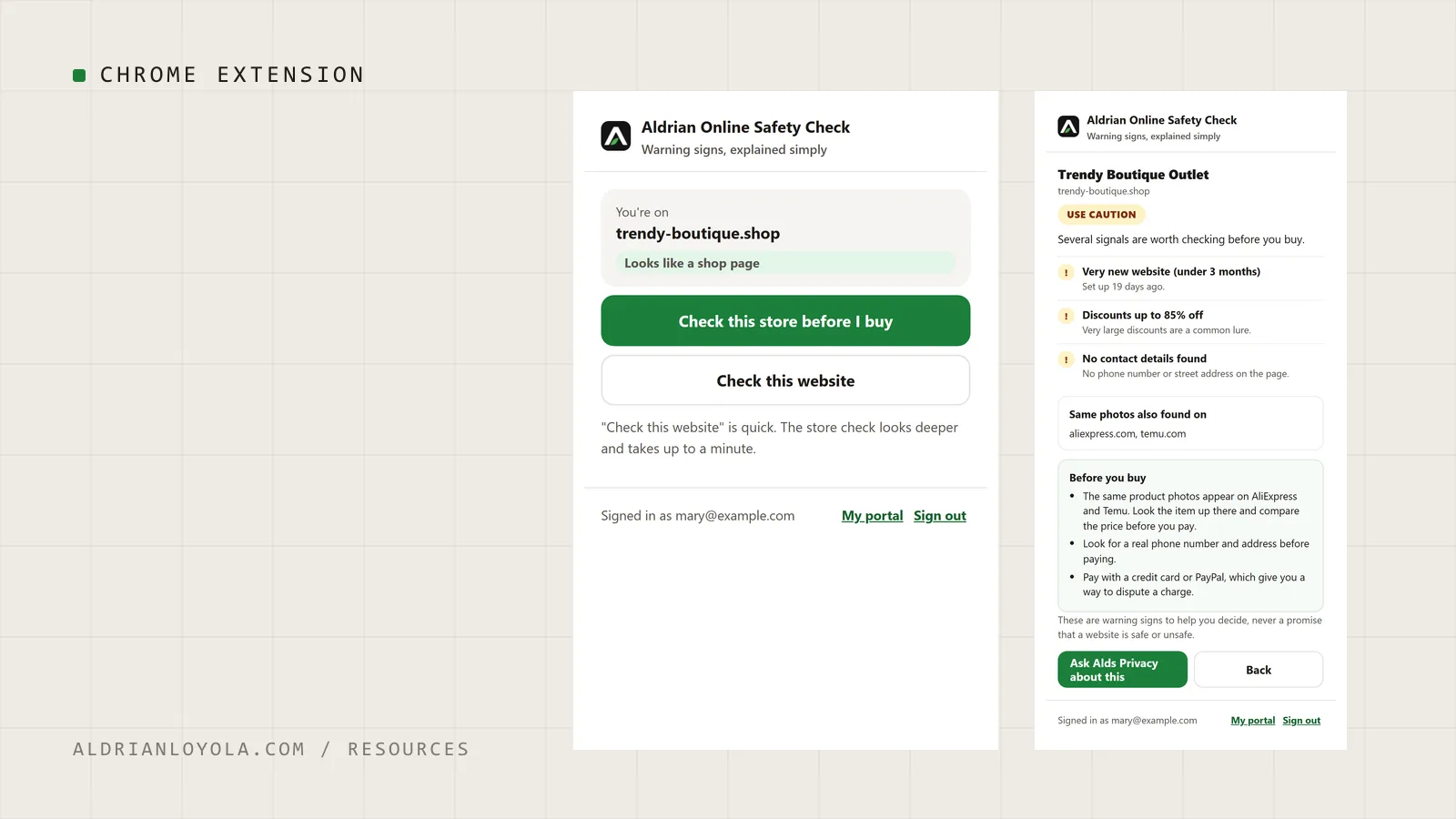
Aldrian Online Safety Check (Chrome Extension)
My Chrome extension for members of Aldrian Online Privacy Support. Press one button on any website to see its warning signs in plain words before you buy, sign in or share anything.
Google Snippet Preview Tool
Type a page title and meta description and see roughly how they could look in Google search results, with length checks and copy-ready meta tags.