Teaching online in the Philippines usually starts with a Facebook group, a Google Drive folder and payments sent by GCash with a screenshot as proof. It works for the first twenty students. After that, someone spends every evening checking receipts, adding people to groups and answering "where is the link?".
A course website replaces that manual work. Students pay and get access automatically. Lessons unlock in order. Progress is tracked. Certificates are issued without anyone typing a name into a template.
I'm Aldrian Loyola, a WordPress developer in the Philippines. I build course sites on WordPress, where you own the platform and keep what you earn.
Who this is for
- Trainers and coaches selling their own courses.
- Review centers preparing students for board and licensure exams.
- Tutorial centers moving lessons online. See tutorial center websites.
- Schools that want recorded lessons and quizzes alongside classes. See school enrollment portals.
- Companies training staff, resellers or franchisees.
- Professional groups offering paid seminars with certificates.
What a course website does
Courses, lessons and quizzes
Courses are split into modules and lessons with video, text, downloads and quizzes. Lessons can unlock in sequence, on a schedule or after a passing score.
Enrollment and payment
Students pay by GCash, Maya, card or bank transfer through a supported gateway, and are enrolled automatically once payment is confirmed. See GCash and Maya integration.
Student accounts
Each student has a login, a dashboard of their courses and a clear view of what to do next.
Progress and results
You see who has started, who has finished and how they scored. Students see their own progress.
Certificates
A certificate with the student's name and completion date is generated automatically when requirements are met.
Memberships and bundles
One-time purchases, monthly subscriptions, course bundles or an all-access pass. See membership websites.
Protected content
Lessons are visible only to enrolled students. Video is hosted on a service that limits downloading and sharing as far as is practical.
Why build on WordPress instead of renting a platform
Hosted course platforms are quick to start and charge a monthly fee, a share of each sale, or both. That is reasonable while you are testing an idea.
A WordPress course site suits you when:
- You want to keep all of your revenue apart from payment processing fees.
- You need local payment methods that some overseas platforms do not support.
- You want your own branding and domain throughout.
- You need features a fixed platform does not offer, such as a custom enrollment rule or a link to your existing systems.
- You want to own your student list and your content outright.
WordPress has mature learning plugins such as LearnDash, Tutor LMS and LifterLMS. I help you choose one that fits your courses and budget, set it up properly and write custom code for what it does not cover.
My approach
Plan the learning path first
Before any design, we map what a student does: finds the course, pays, starts, continues, finishes. Every screen is built to make that path obvious on a phone.
Keep it fast
Course sites become slow when every feature is switched on. I enable only what you use and keep pages light, because many students study on mobile data.
Write custom code where it counts
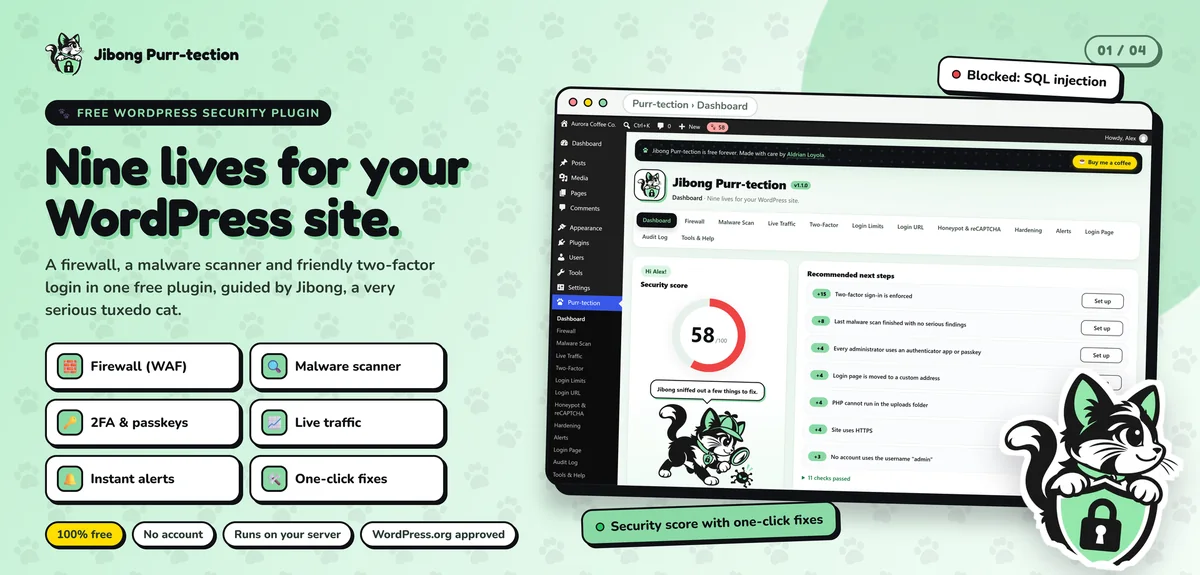
My security plugin, Jibong Purr-tection, passed the code review for the official WordPress.org directory. I apply the same standard to custom course features, such as enrollment rules, reports or certificate layouts.
Make it easy to run
You get a short guide for adding lessons, enrolling a student manually, issuing a refund and viewing reports.
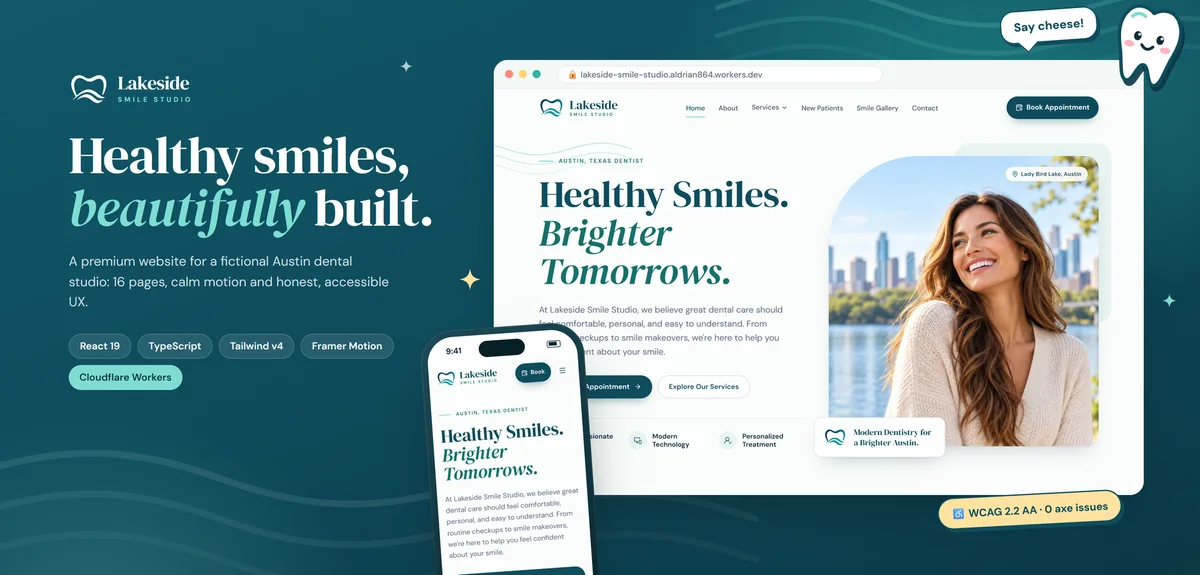
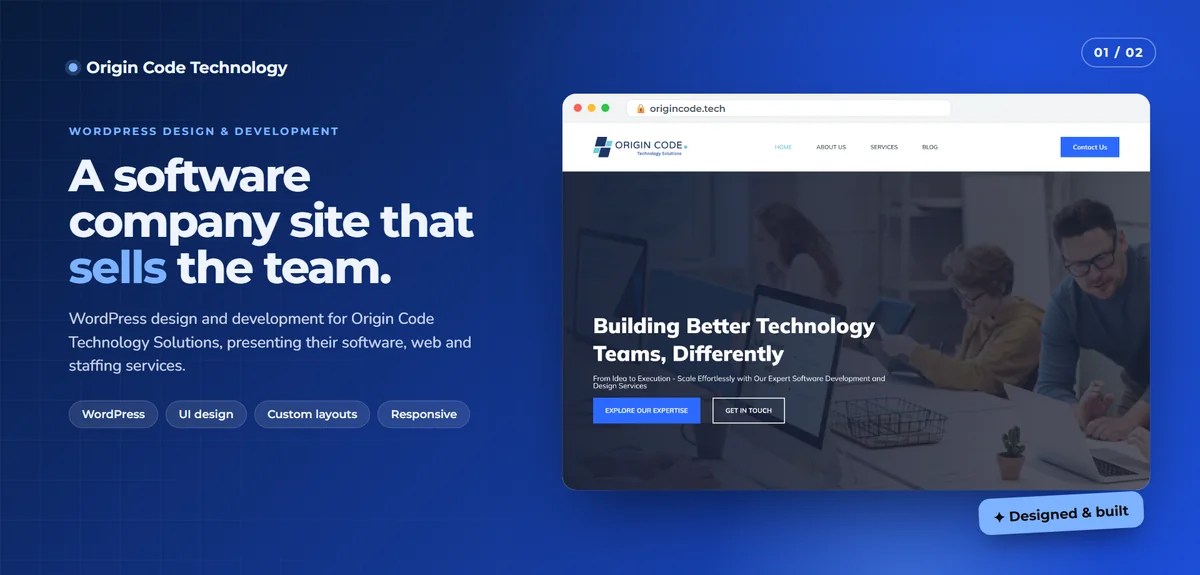
For examples of my design and build standard, see Lakeside Smile Studio and Origin Code Technology.
What to prepare
- Your course outline: modules, lessons and any quizzes.
- Your videos, or a plan for recording them.
- Pricing: one-time, subscription or bundles.
- How you want to be paid.
- Your logo, colors and any existing branding.
- Certificate wording and signatory details, if you issue certificates.
You do not need everything on day one. Many clients launch with one course and add more.
How a project runs
- Discovery. Your courses, your students and how you teach.
- Scope and fixed quote, in writing.
- Setup on staging, with one sample course built end to end.
- Your review, including a test enrollment and payment.
- Content loading. I load the first course or show your team how.
- Launch and training.
- Support for the first cohort and beyond.
Tell me about your course
Share what you teach and how you enroll students today. I will reply with a plan and a fixed quote. Start a project or send a message.