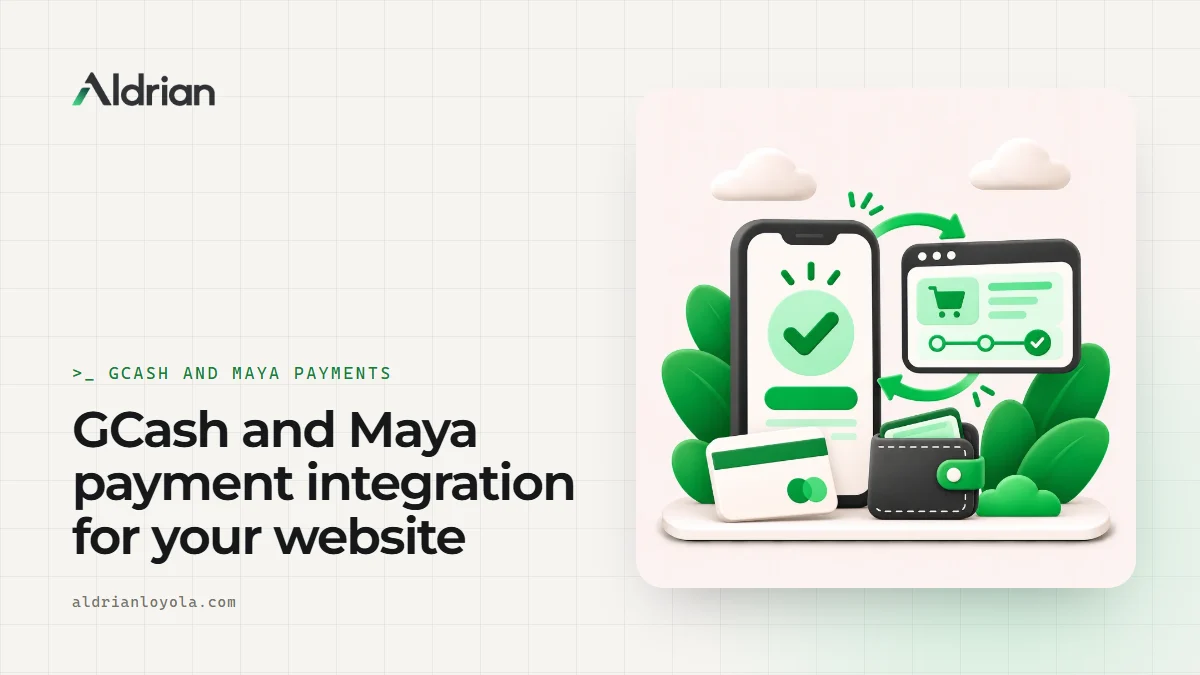
In the Philippines, a lot of people would rather pay with GCash or Maya than with a card. If your website only accepts cards, or asks customers to send a screenshot of their transfer over Messenger, you're making it harder for them to pay you. Some won't bother.
I'm Aldrian, an independent web developer in the Philippines. I integrate GCash, Maya, cards, online banking and other local payment methods into websites, WooCommerce and Shopify stores, booking systems and custom web apps.
The two ways businesses accept e-wallet payments
Manual: QR code and screenshot
You show your GCash or Maya QR code, the customer pays, sends a screenshot and someone on your team checks it and updates the order. This works for small volumes, but it has real problems:
- Someone has to check every screenshot by hand
- Screenshots can be faked or reused
- Orders sit unconfirmed until someone is available
- Mistakes happen when amounts or references don't match
Automatic: through a payment gateway
The customer chooses GCash or Maya at checkout, approves the payment in their app and returns to your site. The gateway tells your website the payment succeeded, and the order is marked as paid automatically. No screenshots and no manual checking.
For most growing businesses, an automatic setup through a payment gateway is worth it.
Payment gateways I can integrate
In the Philippines, several payment gateways support GCash, Maya, cards and online banking. Examples include PayMongo, Xendit, Dragonpay and Maya Business. PayPal is also an option for international customers. Each has different supported methods, fees, payout schedules and requirements, so I'll help you compare them for your business.
You sign up for the gateway yourself, in your business's name, so the money goes straight to your account. I handle the technical integration.
Where I can add payments
- WooCommerce stores, using the gateway's official plugin where it's reliable, or a custom integration where it isn't
- Shopify stores, through supported payment providers
- Booking and reservation systems, for deposits and full payments
- Custom web apps and portals, for invoices, subscriptions, dues and fees
- Simple payment pages for services, events or donations
- Pre-order and catering forms, with downpayments
Doing it properly
Adding a payment button is easy. Doing it reliably takes care. Here's what I make sure of.
Webhooks
The gateway sends your website a message when a payment succeeds, fails or expires. Your site has to listen for these messages and update orders correctly, even if the customer closes their browser before returning to your site. Skipping this step is the most common reason orders end up "pending" even though the customer paid.
Security
Payment details never touch your server. The customer pays on the gateway's secure page or within its secure components. API keys are stored as secrets, never in public code. Webhook messages are verified so nobody can fake a payment confirmation.
Clear confirmations
Customers get an on-screen confirmation and an email receipt. Your team gets a notification. Everyone knows the order is paid.
Failed and expired payments
Customers sometimes cancel in the GCash app or let the payment expire. The checkout should handle this gracefully and let them try again or choose another method.
Refunds
Where the gateway supports it, refunds can be handled from your dashboard.
Testing
I test the full flow in the gateway's test mode first, then with real small payments on the live site, before your customers ever see it.
Common problems I fix
- Orders stuck on "pending payment" after customers paid
- Payment plugins that broke after a WooCommerce or PHP update
- Customers charged but no order created
- Webhooks not set up or pointing to the wrong address
- Checkout pages that fail on mobile
- Old API keys left in theme files
If your checkout is already broken, see my checkout and payment fix page.
Do I still need my QR code?
You can keep it as a backup for customers who prefer it, or for in-person payments. But for your website, automatic payments save time and reduce errors.
Card and international payments
If you sell to customers abroad, card payments and PayPal can be added alongside local methods. I'll make sure currencies and receipts make sense for both local and international buyers.
What you'll need to prepare
- A business account with your chosen payment gateway
- Business documents the gateway requires for verification
- Access to your website or store admin
- Your preferred payment methods and any fees you want to pass on
I'll guide you through the technical parts and tell you exactly what to send.
Passing on fees, fairly
Gateways charge a fee per transaction, and the fee can differ by payment method. Some businesses absorb it, others build it into prices and a few add a small convenience fee. Whatever you choose, be clear with customers before they pay. I can set up checkout to show any fees transparently, so there are no surprises.
How we'd work
- We talk about what you sell and how customers pay today.
- We choose a payment gateway together.
- You get a quote with scope, timeline and fixed price.
- I integrate and test in test mode.
- We go live after real test payments.
- I hand over a short guide on refunds and reports.
Let's make paying you easy
Tell me about your website and how you want to get paid. I'll reply with a plan and a fixed quote.