The Data Privacy Act of 2012, Republic Act 10173, governs how organisations in the Philippines collect and use personal information. It is enforced by the National Privacy Commission. It applies to large corporations and to a small clinic with a booking form alike.
Many business owners assume it only concerns banks and hospitals. In practice, almost every business website processes personal data: a name and email in a contact form, a phone number in a booking, an address at checkout, even an analytics cookie.
I'm Aldrian Loyola, a web developer in the Philippines. I am not a lawyer or a data protection officer. I cannot certify that your organisation is compliant, and nothing on this page is legal advice. What I can do is build the website side correctly and work alongside your lawyer or data protection officer.
What the law asks for, in plain terms
The Act is built on three principles:
- Transparency. People should know what you collect, why, and what you do with it.
- Legitimate purpose. You collect data for a declared, lawful reason.
- Proportionality. You collect only what you need for that reason.
It also gives people rights over their data, including the right to be informed, to access it, to correct it and to object to its use. And it requires reasonable security to protect what you hold.
A website cannot make an organisation compliant on its own. Compliance also covers internal policies, staff practices and how data is stored after it leaves the site. But the website is where most collection starts, so it is where the visible part must be right.
What I do on the website
A privacy notice people can find and read
A clear page, linked from every page and from every form, describing what is collected, why, how long it is kept, who it is shared with and how to contact you about it. I build the page and set out the technical facts: which forms exist, what each collects, which third-party services are used. The legal wording should be written or reviewed by your lawyer or data protection officer.
Forms that collect only what is needed
Every extra field is extra data to protect. I review each form and remove what you do not use. A contact form rarely needs a birth date or a home address.
Clear consent where it is required
A plain statement next to the submit button, linking to the privacy notice. Where consent is the basis for processing, such as a marketing newsletter, an unticked checkbox the person ticks themselves. No pre-ticked boxes and no consent hidden in small print.
Cookie and analytics choices
Analytics and advertising cookies can identify a device. I set up a consent banner that actually works: nothing non-essential loads until the visitor agrees, and they can change their mind later. Many banners on local sites are decoration only. Mine are wired to the scripts they control.
Secure transmission and storage
- HTTPS on every page.
- Form submissions sent over encrypted connections.
- Spam protection that does not expose visitor data.
- Limited admin accounts with strong passwords and two-factor login.
- Regular updates and backups.
See website security hardening.
Data retention on the site
Many websites quietly store every form submission forever in the database. I set retention so old entries are removed after a period you choose, and make sure submissions are not sitting in places nobody checks.
A way to handle requests
A dedicated email address or form where people can ask to access, correct or delete their data, so requests reach someone who can act.
Third-party services
A list of every outside service the site sends data to, such as email providers, analytics, payment gateways, chat widgets and maps, so your privacy notice can name them accurately.
How I build with privacy in mind
My own website follows these practices. The contact forms collect only what is needed, analytics stays off until a visitor allows it, and inquiry records are removed after a set period.
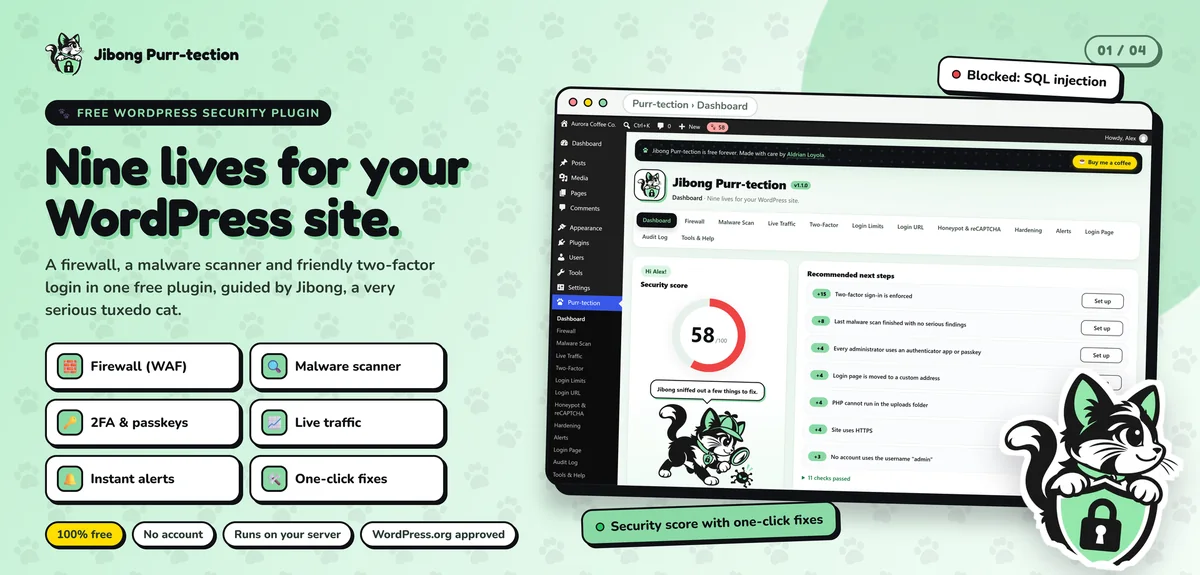
- Jibong Purr-tection, my security plugin in the official WordPress.org directory, passed a manual review for security and coding standards.
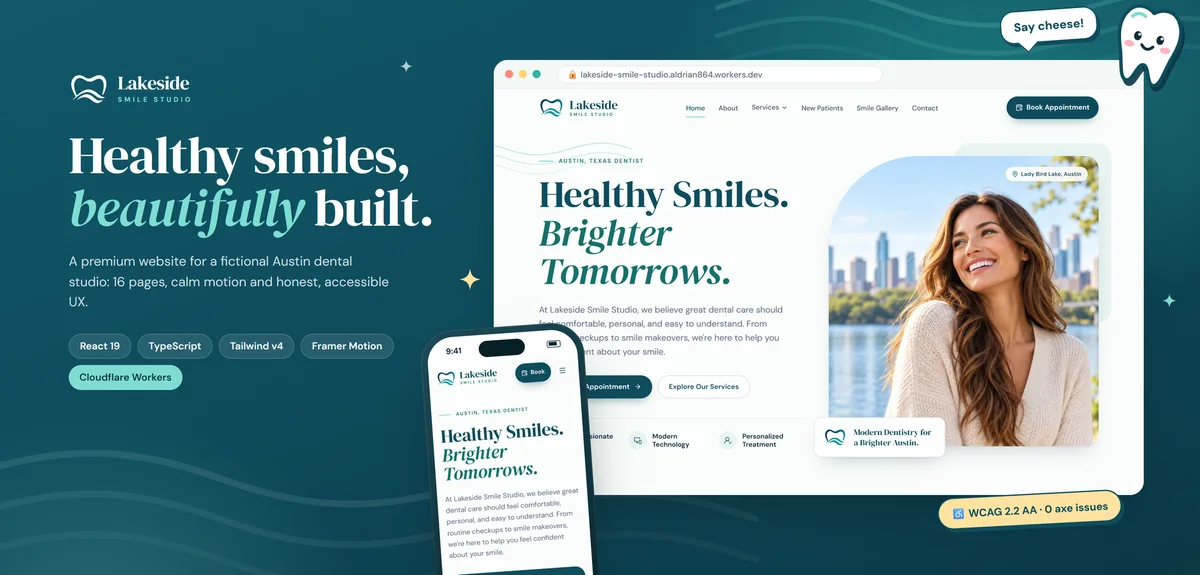
- Lakeside Smile Studio uses appointment and contact forms with client-side validation and makes no false claims about patients, reviews or credentials.
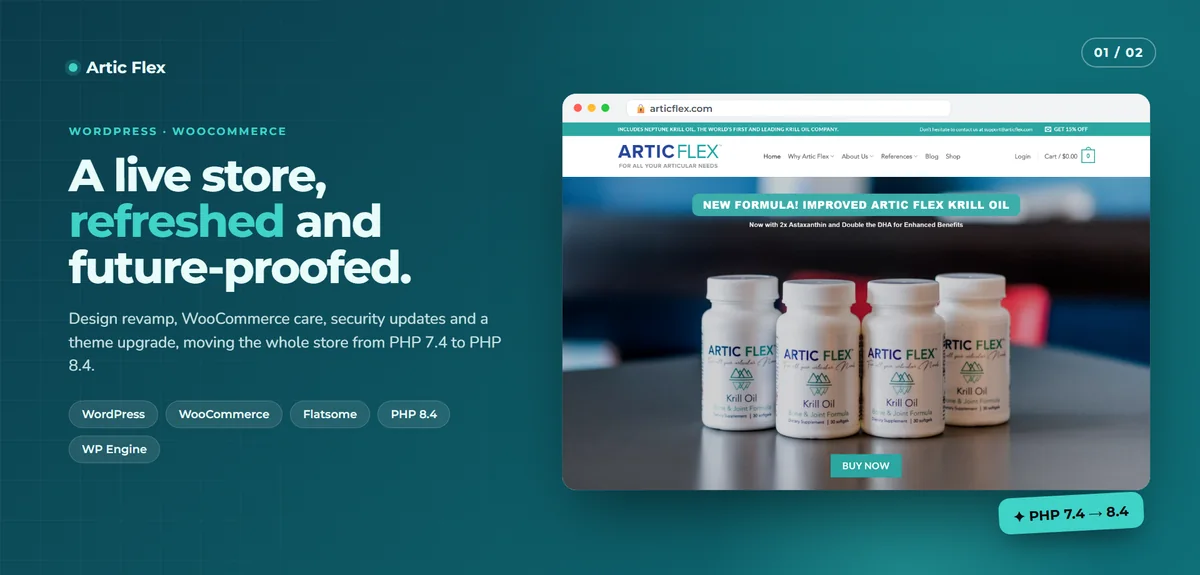
- Artic Flex involved security updates and hardening on a live store handling customer orders.
A website privacy check
If you already have a site, I can review it and give you a written list:
- Every form and what it collects.
- Where submissions are sent and stored.
- Cookies and scripts that load before consent.
- Third-party services receiving data.
- Security basics: HTTPS, updates, admin access, backups.
- Missing or outdated privacy notice links.
You can hand that list to your lawyer or data protection officer. It gives them the technical facts they need.
What stays with you
Be careful with anyone who says a website alone makes you "DPA compliant". These remain your organisation's responsibility:
- Deciding your lawful basis for each type of processing.
- Appointing a data protection officer where required.
- Any registration with the National Privacy Commission that applies to you.
- Internal policies, staff training and contracts with service providers.
- Responding to data subject requests and handling a breach.
I build the site to support all of this. I do not replace the people responsible for it.
Who this is for
- Clinics, schools and professional firms that collect inquiries or bookings.
- Online stores holding customer names, addresses and order history.
- Companies whose legal or compliance team has asked for the website to be reviewed.
- Any business launching a new site and wanting to start correctly.
Start with a review
Send me your website address. I will reply with what a review covers and a fixed quote. Start a project or send a message.