A corporate website has a different job from a small business site. It rarely sells directly. It reassures. Clients check it before signing. Applicants read it before accepting an offer. Partners, regulators, journalists and banks all look at it to decide what kind of company they are dealing with.
For a company in Makati, where competitors sit a few floors away, a thin or outdated corporate site sends the wrong message to every one of those audiences.
I'm Aldrian Loyola, a web developer in the Philippines. I build company websites and work with corporate teams remotely.
Who visits a corporate website, and what they need
- Prospective clients. What you do, who you have done it for and how to reach the right person.
- Job applicants. Open roles, what working there is like and how to apply.
- Partners and suppliers. Company background, certifications and contact points.
- Investors and banks. Leadership, governance and company disclosures, where applicable.
- Media. Press releases, company facts and a media contact.
- Existing customers. Support channels, branch locations and announcements.
A good structure gives each group a clear path from the first screen.
Pages a corporate site usually needs
About the company
History, mission, values and milestones, written for readers, not for the boardroom.
Leadership
Directors and officers with photos and short profiles.
Services or business units
One page per service line or subsidiary, each with its own contact route.
Industries or clients
Who you serve, with case examples where you have permission to share them.
Careers
Open positions that HR can post and close themselves, with an application form that sends files safely to the right inbox.
News and announcements
Press releases, company news and advisories, managed by your communications team.
Governance or investor pages
For companies that publish disclosures, reports or policies, a well-organised document library.
Contact and locations
Head office, branches, a map and department-specific contact forms.
Privacy notice and legal pages
A privacy notice that reflects how the site actually handles data. See Data Privacy Act compliant websites.
What corporate teams need from the build
A content system with roles
I build corporate sites on WordPress when several people will publish. Marketing edits pages, HR posts jobs, communications posts news, and each role sees only its own area. See WordPress development in Makati.
Design that follows the brand manual
Logo clear space, color values and typography applied as your guidelines specify. Where a print rule does not work on screens, I flag it and suggest an alternative.
Approval-friendly process
Work is shown early on a private preview link, so marketing, management, legal and IT can comment on the same version. Comments are gathered into one list, and each change is confirmed.
Security
Current software, limited admin accounts, two-factor login, daily backups and forms protected against spam and abuse.
Speed and accessibility
Pages that load quickly and can be used with a keyboard and a screen reader, with readable contrast and text sizes.
Documentation
A written handover covering hosting, access, backups and how to perform common tasks, so the site does not depend on one person's memory.
Related work
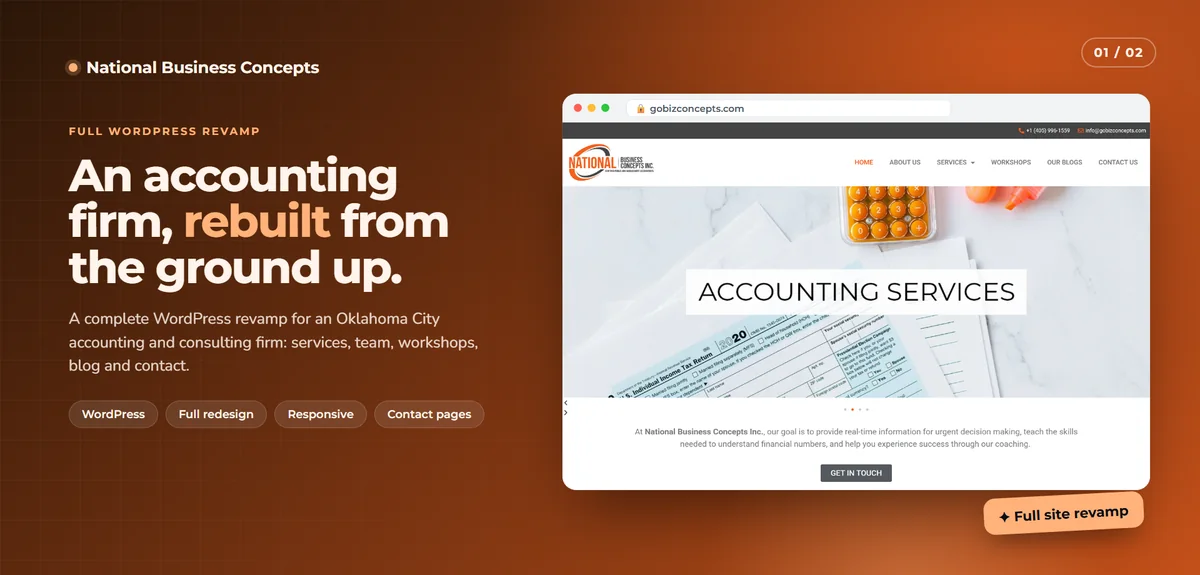
- National Business Concepts: a full website revamp for an accounting and consulting firm, with new structure, services, team, workshops, blog and contact pages.
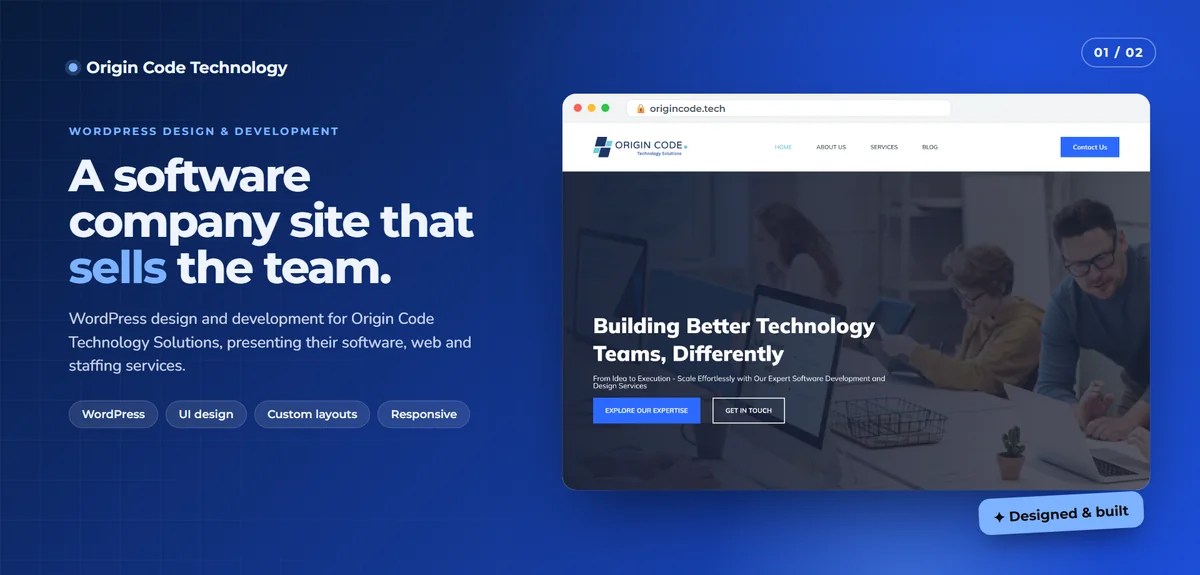
- Origin Code Technology: design and WordPress development for a software and staffing company, built to look as capable as the work it sells.
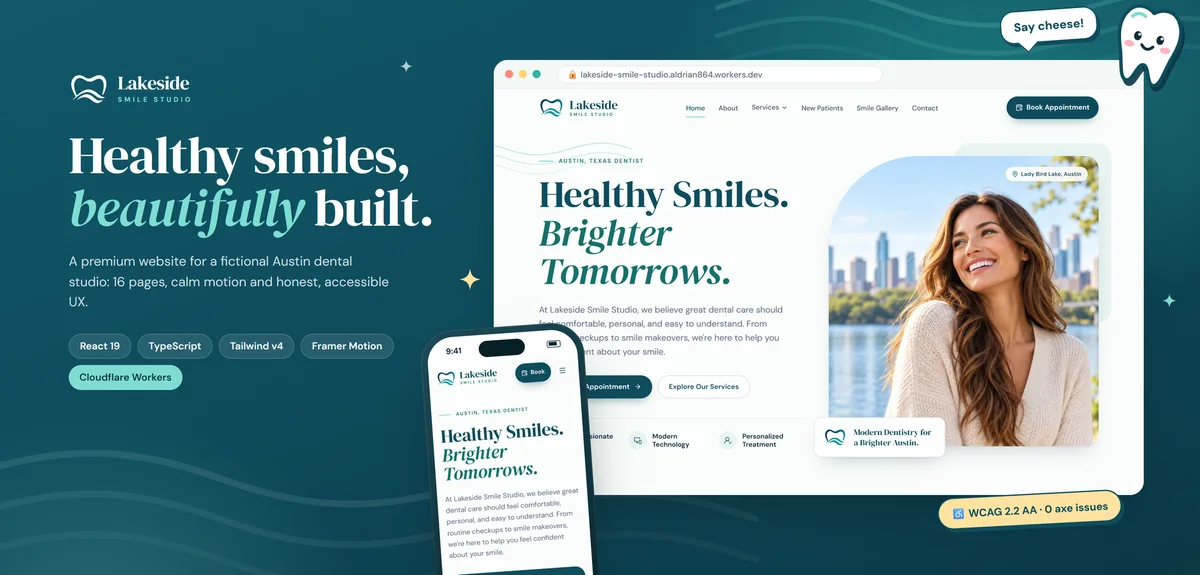
- Lakeside Smile Studio: a sixteen-page site with per-page search tags, accessible forms and zero accessibility violations in automated testing.
How I work with a corporate client
I do not have an office in Makati. Meetings are by video call, and reviews happen on a shared preview link. In practice this suits corporate projects well: stakeholders in different departments, or different buildings, all see the same thing.
A typical corporate project runs like this:
- Discovery. Audiences, goals, existing content and who approves what.
- Sitemap and scope. A page list and a written, fixed quote.
- Design. Key templates presented for feedback: home, an inner page, a listing page.
- Build. On staging, with the content system set up.
- Content loading. By your team with my guide, or by me from documents you supply.
- Review rounds. Marketing, legal and IT sign off.
- Launch. With redirects from old addresses, so existing links and rankings carry over.
- Training and handover.
Timelines depend mostly on content and approvals. A site of ten to twenty pages typically takes four to eight weeks from an agreed sitemap.
Redesigning an existing corporate site
If you already have a site, I start by listing every page and file, noting what to keep, merge or retire. Addresses that have earned links or rankings are preserved or redirected. Nothing is deleted without your confirmation.
Start with a conversation
Tell me about your company, your current site and who will be involved. I will reply with questions and a proposed scope. Start a project or send a message.