When a website starts to feel dated, the instinct is often to start from scratch. Sometimes that's right. Often, a focused refresh gets you most of the benefit for a fraction of the time and cost.
Here's how I help clients decide.
Signs a refresh is enough
A refresh keeps the existing structure and platform, and improves what's there. It's a good fit when:
- The site works, but looks a few years old
- Your content is mostly still accurate
- The platform (for example, WordPress) is up to date and maintainable
- Visitors can find what they need, but the experience could be smoother
- Speed is poor mainly because of heavy images or a few slow plugins
A typical refresh might include: updated colors and typography, better photos, rewritten key pages, a faster homepage, tidied navigation, and mobile fixes.
Signs it's time for a redesign
A redesign rethinks the structure, design, and often the technology. Consider it when:
- The site is hard to use on phones, and fixing it would mean rebuilding most templates anyway
- Your business has changed: new services, new audience, new positioning
- Updating content is painful or requires a developer for every small change
- The site runs on an outdated theme or platform that's no longer supported
- Speed problems come from the foundation, like a heavy page builder or bloated theme
- You're adding major features, like online booking or a store
Questions to ask before deciding
- What problem are we solving? "It looks old" is valid, but "people can't find our prices" is more useful.
- What's working today? Pages that already rank well in search or convert visitors should be protected, whichever route you choose.
- Who will update the site? If it's you, ease of editing matters a lot.
- What's the budget and timeline? A refresh can often be done in days or a few weeks. A redesign usually takes longer.
Don't lose what you've built
Whichever option you choose, protect your search visibility:
- Keep URLs the same where possible
- Set up 301 redirects for any pages that move
- Carry over page titles and descriptions that already perform well
- Check Search Console after launch for new errors
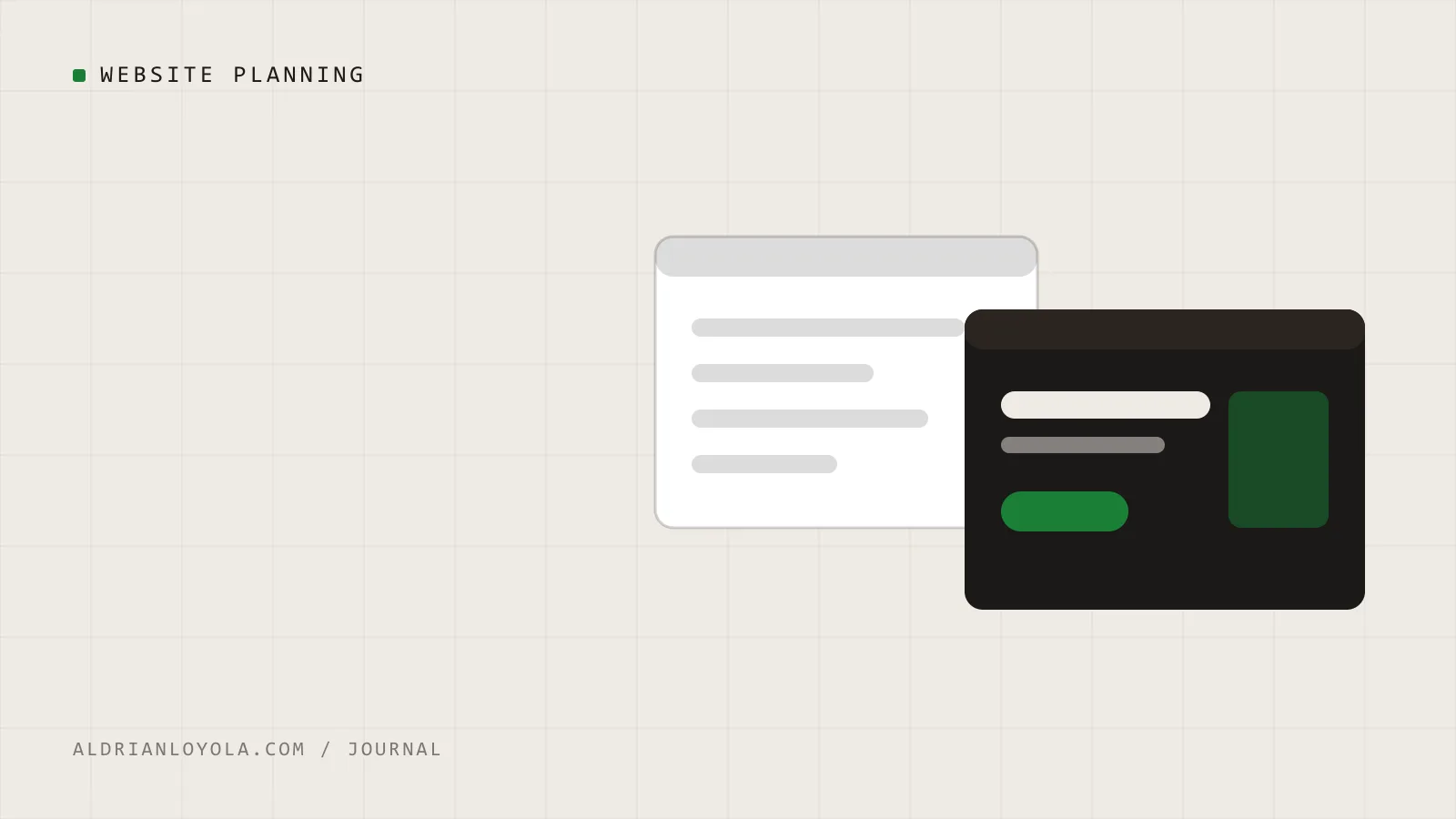
A middle path
Sometimes the best answer is both: refresh now to fix the most visible problems, and plan a redesign for later when budget allows. That way you're not stuck with a frustrating site while you wait for the perfect one.