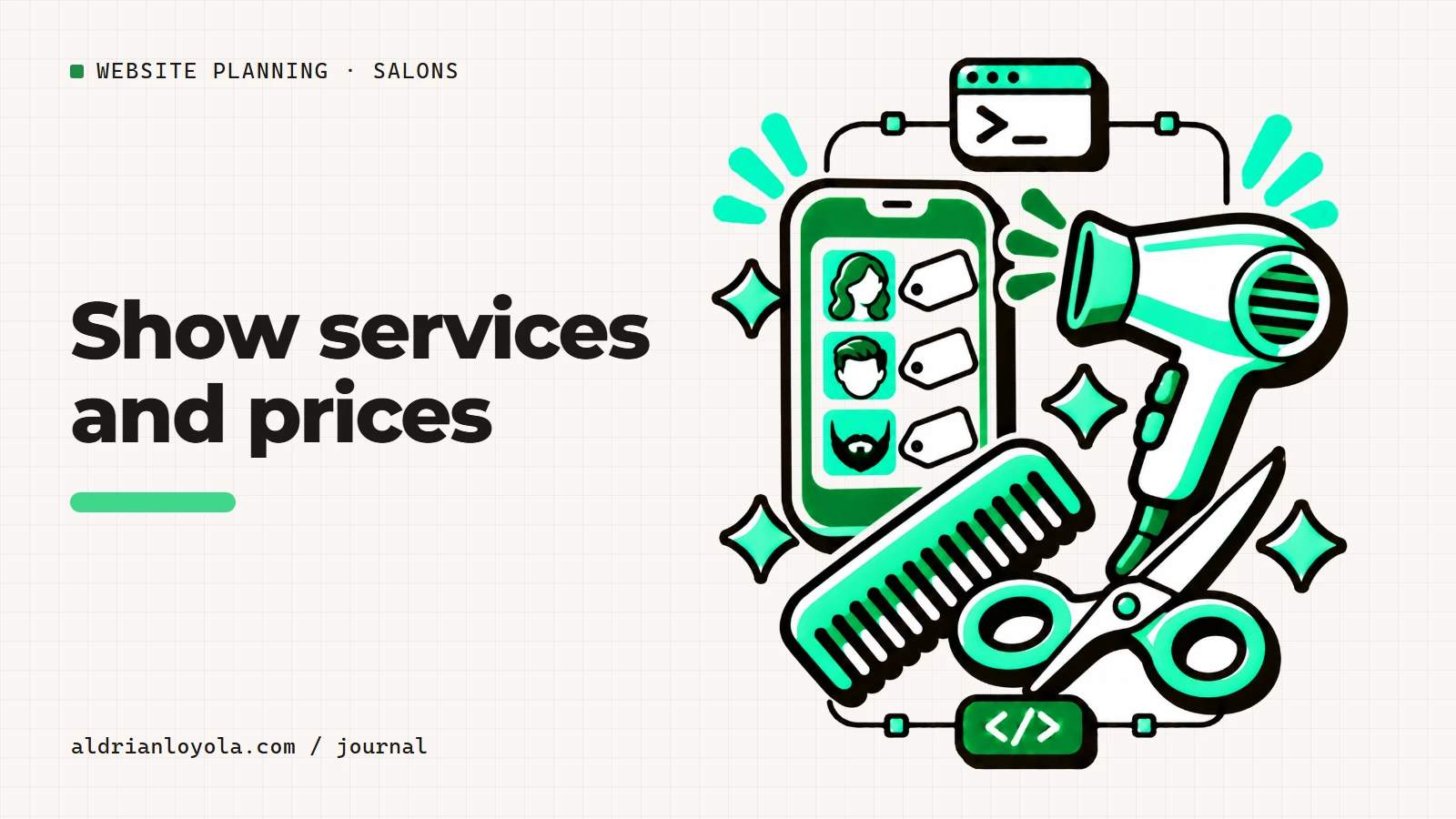
A salon service menu should explain what customers can choose and what the displayed price means. For a Philippine salon, use clear peso amounts, familiar service names, and a direct explanation when consultation is needed before confirming the final price.
The aim is not to fit every service into the smallest possible space. It is to help a new customer understand the options without sending several messages just to decode the menu.
Group services around the customer decision
Separate cuts, color, styling, and other services where those categories match your actual offer. Explain unfamiliar terms in a short sentence. Avoid using internal abbreviations as the only label.
If two services sound similar, explain the practical distinction your team uses. Do not add invented benefits or technical claims to make the descriptions seem different.
Put pricing context beside the amount
A starting price needs a clear scope. State the relevant factors used by your salon, and explain when the final amount is confirmed. Keep this information close to the service so customers see it before requesting an appointment.
Do not show a detailed transformation photo beside an unrelated basic price without explanation. The design should not create an expectation that the written service does not support.
Connect the menu to the next step
Use an accurate action such as Ask about this service or Request an appointment when staff need to respond. If a booking system confirms times, make sure the selected service carries through correctly.
Keep one approved source for prices and descriptions. When the menu changes, update the website and booking tool together. Ask a first-time customer to read the menu and explain their choice. If they cannot tell what is included, improve the description before adding more pictures.
Write for a first-time salon customer
Someone who has never visited your salon may not know your service names or the way appointments work. Explain the menu in familiar language. Group related services and make the difference between a standard service and a consultation-led request easy to understand.
When a price is a starting amount, show the conditions beside it. Use the factors your salon actually considers, rather than copying another business's pricing explanation. A customer should not need to search the footer to learn that the amount shown is only an example.
Do not promise the exact result shown in a portfolio photograph for every customer. Explain how the team discusses the request before confirming the work. Website copy should support that conversation without pretending to replace it.
Give appointment information its own place
Tell visitors whether you accept walk-ins, require appointments, or use both. If a form only sends a message, call it an appointment request. The confirmation should say that the team will respond, not that a time slot has already been reserved.
If an external booking tool manages your calendar, link to the correct salon and branch. Test the route on a phone. Check that the service names and price information agree with the website, or explain any relevant difference clearly.
Publish only approved policies. Deposits, cancellations, late arrival, and consultation rules should come from the business. A designer should never invent these details simply because a template has a policy section.
Use photographs with context and permission
Choose current images of the salon, team, and actual work. Obtain permission before showing identifiable clients. Avoid edits that materially change the result being presented. A fair before-and-after comparison uses clear labels and comparable views where possible.
Staff profiles should reflect current roles and verified experience. If a person leaves or changes their services, update the website. A stale profile can affect a customer's booking decision even when the rest of the page is accurate.
A photograph should add information rather than merely fill space. Show the entrance if it is hard to find, the seating if it helps set expectations, and work examples that represent your current services. Keep image files suitable for a phone connection.
Keep branch and contact details together
For a Philippine salon inside a mall or commercial building, include the correct branch, floor, and entrance information when useful. Put the phone number and hours beside the relevant location. Do not make visitors combine details from several unrelated sections.
Verify any parking or accessibility statement at the venue. Use specific information instead of broad promises. Customers should be able to ask about their needs through a contact route your team actually monitors.
Review the site when prices, hours, staff, or booking arrangements change. Assign someone to approve those updates and check the result. The website becomes more useful when it answers the questions customers really ask, with details that remain consistent from the first visit to the appointment conversation.
Turn the plan into a clear website brief
Before requesting a quote, write down the pages you need, the content you already have, and the main action customers should take. Separate essential information from optional tools. A phone link, a message form, and a live booking system may look similar on a page, but they require different work behind the scenes.
Include the likely update routine. Who approves changes? How often will prices, photographs, or availability information change? Do you need to edit those details yourself, or would you prefer to request updates? Answering these questions early helps you compare proposals on the same basis.
Ask each provider to explain the deliverables, exclusions, ongoing costs, and handover arrangements in writing. Keep domain ownership and renewal responsibility clear. A useful agreement makes the first version manageable and explains how future changes will be handled.
Test the customer journey before launch
Open the website on a phone and follow its main action from beginning to end. Check the text without relying on images. Send a realistic test inquiry and confirm that it reaches the correct person. Read the response message and make sure it describes what actually happens next.
Ask someone unfamiliar with the business to try the same task. Watch where they hesitate and note which details they cannot find. Fix those points before adding more visual effects. The goal is a website customers can understand and your team can maintain.
Use my website launch checklist for the wider review. If you want help with the build, send your project requirements. Include your page outline, existing content, and any features that need separate discussion so we can start with a clear scope.