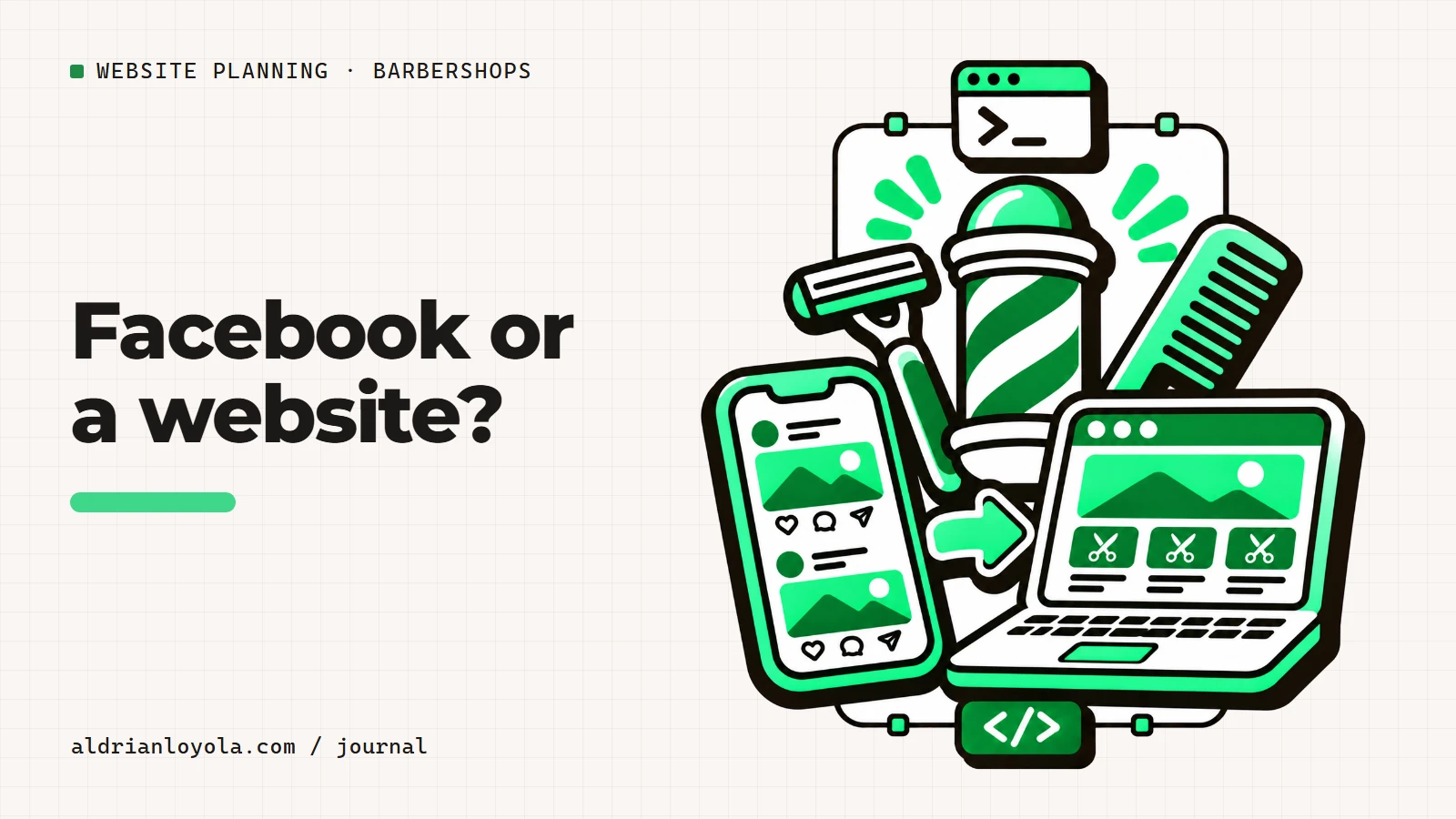
A Facebook page can show recent haircuts and support conversations. A website can keep the service menu, hours, directions, and appointment process in a stable place. The two work best when the information agrees and each has a clear purpose.
You do not need to copy every post onto the website. Focus on making the details a new customer needs easy to find.
Use social posts for current activity
New work examples and shop announcements fit a social feed. Obtain permission for identifiable client photos and keep temporary offers clearly dated. When a change affects prices or opening hours, update the website too.
A busy feed should not be the only source of the current menu. Customers may find an old post without seeing the newer correction.
Give the website a stable role
Use clear pages for services, approved work examples, and visiting information. Put the correct branch details together. Link to the current social account and test the route in both directions.
If an appointment tool is used, choose one clear booking destination. Avoid several buttons that lead to different or outdated systems.
Keep the response process manageable
Decide who checks messages and website inquiries. If one channel is preferred, explain that. Do not promise constant availability when staff are working with customers.
Review repeated questions and improve the page that should answer them. A useful website can reduce the need to resend the same menu image, but it does not replace a helpful reply. Start with accurate information and working links, then expand only when the additional content makes the customer's decision easier.
Explain the visit before someone arrives
A barbershop website should answer a few practical questions quickly: what services you offer, where the shop is, when it opens, and whether customers need an appointment. Put those answers near the start of the page rather than hiding them behind a long introduction about the brand.
Separate services that customers might confuse. A haircut, a beard trim, and a combined service should have clear labels and approved descriptions. If prices vary by service or barber, explain the actual arrangement. Do not let a single large starting price imply that every service costs the same.
Show regular hours and any relevant last-service guidance your shop uses. Opening hours are not necessarily a promise that every service can begin at closing time. Keep the wording aligned with how the team manages its day.
Make walk-ins and bookings distinct
If you accept walk-ins, explain the process without promising a waiting time you cannot guarantee. If customers book through another tool, link to the correct shop and test the destination. A message asking about availability is different from a confirmed appointment.
Use button labels that match the action. View booking options, Call the shop, or Ask about a service can be clearer than a generic Book now button that opens a message box. Tell customers what happens after they submit a request.
Keep policies accurate and visible where they matter. Late arrival, deposits, and cancellations should reflect the shop's approved arrangements. Do not add rules simply because another website uses them.
Use work examples with permission
Show actual haircuts and beard work your team has completed. Obtain permission before publishing identifiable customers. Avoid edits that change the apparent result. A portfolio should help someone describe a preference, not promise an identical outcome for every head of hair.
Add short captions when they clarify the service or the barber's role. Avoid treating style names as universal if your team uses them differently. A consultation at the chair may still be needed to agree on the work.
Show the shop itself as well as close-up cuts. An entrance photo and a current interior image can help new customers recognize the location. Keep the image selection focused so the site remains quick and easy to browse on a phone.
Keep local details and ownership clear
Write the address in text and test the map link. If the shop is inside a mall or building, include useful entrance or floor information. Verify parking and access details before publishing them. For several branches, keep each location's hours and contact number together.
Choose contact routes staff can monitor. Do not promise an immediate response while everyone is working with customers unless someone actually handles messages. A realistic reply process is better than several unattended channels.
Assign someone to approve service-menu changes, staff updates, and temporary notices. Keep domain renewal and website access responsibilities recorded. After launch, ask new customers whether anything was confusing before their visit. Use those questions to improve the relevant section rather than adding more decorative text. The website should make the next visit easier to arrange and the shop easier to recognize.
Turn the plan into a clear website brief
Before requesting a quote, write down the pages you need, the content you already have, and the main action customers should take. Separate essential information from optional tools. A phone link, a message form, and a live booking system may look similar on a page, but they require different work behind the scenes.
Include the likely update routine. Who approves changes? How often will prices, photographs, or availability information change? Do you need to edit those details yourself, or would you prefer to request updates? Answering these questions early helps you compare proposals on the same basis.
Ask each provider to explain the deliverables, exclusions, ongoing costs, and handover arrangements in writing. Keep domain ownership and renewal responsibility clear. A useful agreement makes the first version manageable and explains how future changes will be handled.
Test the customer journey before launch
Open the website on a phone and follow its main action from beginning to end. Check the text without relying on images. Send a realistic test inquiry and confirm that it reaches the correct person. Read the response message and make sure it describes what actually happens next.
Ask someone unfamiliar with the business to try the same task. Watch where they hesitate and note which details they cannot find. Fix those points before adding more visual effects. The goal is a website customers can understand and your team can maintain.
Use my website launch checklist for the wider review. If you want help with the build, send your project requirements. Include your page outline, existing content, and any features that need separate discussion so we can start with a clear scope.